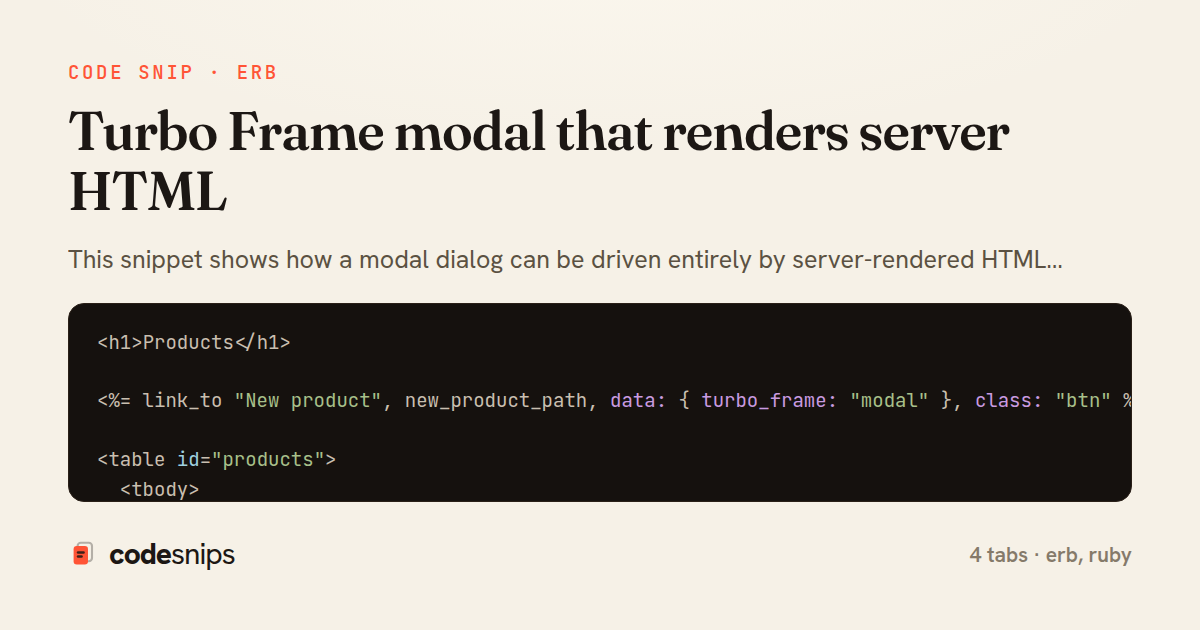
<h1>Products</h1>

<%= link_to "New product", new_product_path, data: { turbo_frame: "modal" }, class: "btn" %>

<table id="products">
  <tbody>
    <% @products.each do |product| %>
      <tr id="<%= dom_id(product) %>">
        <td><%= product.name %></td>
        <td><%= number_to_currency(product.price) %></td>
        <td>
          <%= link_to "Edit", edit_product_path(product), data: { turbo_frame: "modal" } %>
        </td>
      </tr>
    <% end %>
  </tbody>
</table>
<%= turbo_frame_tag "modal" do %>
<dialog data-modal-target="dialog" data-open="true">
<header>
<h2>Edit <%= @product.name %></h2>
<button type="button" data-action="modal#close">×</button>
</header>
<%= form_with model: @product do |form| %>
<% if @product.errors.any? %>
<ul class="errors">
<% @product.errors.full_messages.each do |msg| %>
<li><%= msg %></li>
<% end %>
</ul>
<% end %>
<div class="field">
<%= form.label :name %>
<%= form.text_field :name %>
</div>
<div class="field">
<%= form.label :price %>
<%= form.number_field :price, step: 0.01 %>
</div>
<div class="actions">
<%= form.submit "Save" %>
<button type="button" data-action="modal#close">Cancel</button>
</div>
<% end %>
</dialog>
<% end %>class ProductsController < ApplicationController
before_action :set_product, only: %i[edit update]
def index
@products = Product.order(:name)
end
def edit
end
def update
if @product.update(product_params)
redirect_to products_path, notice: "Product updated"
else
render :edit, status: :unprocessable_entity
end
end
private
def set_product
@product = Product.find(params[:id])
end
def product_params
params.require(:product).permit(:name, :price)
end
end<!DOCTYPE html>
<html>
<head>
<%= csrf_meta_tags %>
<%= javascript_importmap_tags %>
</head>
<body>
<main class="container">
<%= yield %>
</main>
<%= turbo_frame_tag "modal", data: { controller: "modal", action: "turbo:frame-load->modal#maybeOpen" } %>
</body>
</html>This snippet shows how a modal dialog can be driven entirely by server-rendered HTML using a Turbo Frame, avoiding a client-side SPA while still feeling instant. The core idea is that a persistent, empty <turbo-frame id="modal"> lives in the layout, and any link or form that targets that frame swaps its contents with whatever HTML the server returns. Because the modal is just a frame, the same controller actions serve both the standalone page and the modal fragment — no duplicate endpoints.
In application layout, the empty #modal frame sits alongside the page body, and a small Stimulus controller (data-controller="modal") wraps it so open/close behaviour is progressive: without JavaScript the frame still renders inline. The frame starts empty and only fills when a matching frame arrives over the wire.
In products/index.html.erb, the Edit link uses data: { turbo_frame: "modal" } to redirect the response into the modal frame instead of navigating the whole page. Turbo issues a normal GET, then extracts the frame with the matching id from the response and grafts it into the layout's #modal. This is why the edit view must wrap its content in a frame with the exact same id.
In products/edit.html.erb, the turbo_frame_tag "modal" establishes that matching frame. The modal Stimulus controller's open value triggers the dialog to show once the fragment lands. The form inside posts normally; on validation failure the controller re-renders edit with status :unprocessable_entity, and Turbo replaces the frame in place so errors appear inside the modal without losing the dialog.
In ProductsController, update demonstrates the two-path response: a successful save issues a redirect_to that Turbo follows and, because the redirect target has no matching #modal frame content to keep open, the modal closes and the list refreshes. The key trade-off is that everything stays server-authoritative — validation, authorization, and markup all live in Rails — at the cost of a round trip per interaction. It shines for CRUD-heavy admin UIs where consistency matters more than offline snappiness, and the main pitfall is mismatched frame ids, which silently cause a full-page navigation instead of a frame swap.
Related snips
class CommentsController < ApplicationController
  before_action :set_post

  def create
    @comment = @post.comments.build(comment_params)
System test: asserting Turbo Stream responses
class Post < ApplicationRecord
  belongs_to :author, class_name: 'User'
  has_many :comments, dependent: :destroy

  scope :published, -> { where.not(published_at: nil).where('published_at <= ?', Time.current) }
  scope :draft, -> { where(published_at: nil) }
ActiveRecord scopes for reusable query logic
module Api
  module V1
    class UsersController < BaseController
      def show
        user = User.includes(:profile).find(params[:id])
ETags for conditional requests and caching
class PostsController < ApplicationController
  def index
    @posts = Post.includes(:author)
                 .order(created_at: :desc)
                 .page(params[:page])
                 .per(10)
Turbo Frames: infinite scroll with lazy-loading frame
require "csv"

class PeopleCsvStream
  include Enumerable

  HEADERS = %w[id full_name email signed_up_at plan].freeze
Resilient CSV Export as a Streamed Response
<form data-controller="query-sync" data-action="change->query-sync#apply">
  <select name="status" class="rounded border p-2">
    <option value="">Any</option>
    <option value="open">Open</option>
    <option value="closed">Closed</option>
  </select>
Filter UI that syncs query params via Stimulus (no front-end router)
Share this code
Here's the card — post it anywhere.