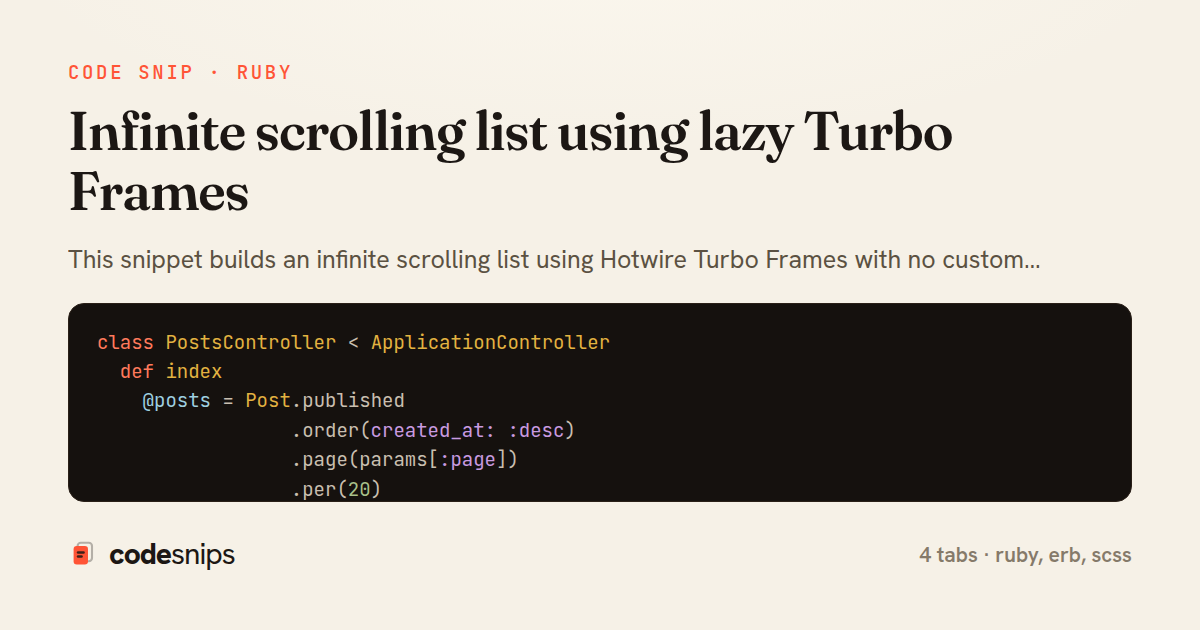
class PostsController < ApplicationController
  def index
    @posts = Post.published
                 .order(created_at: :desc)
                 .page(params[:page])
                 .per(20)
  end
end
<div class="feed">
  <h1>Latest Posts</h1>

  <div id="posts" class="posts-stream">
    <%= render "posts/list", posts: @posts %>
  </div>
</div>
<% posts.each do |post| %>
  <article class="post-card" id="<%= dom_id(post) %>">
    <h2><%= link_to post.title, post_path(post) %></h2>
    <p class="meta"><%= post.author_name %> · <%= time_ago_in_words(post.created_at) %> ago</p>
    <div class="excerpt"><%= truncate(post.body, length: 200) %></div>
  </article>
<% end %>

<% if posts.next_page %>
  <%= turbo_frame_tag "posts_page_#{posts.next_page}",
                      src: posts_path(page: posts.next_page),
                      loading: :lazy,
                      class: "posts-page-loader" do %>
    <div class="loading-spinner" role="status">
      <span>Loading more posts…</span>
    </div>
  <% end %>
<% end %>
.posts-stream {
  display: flex;
  flex-direction: column;
  gap: 1rem;
}

.posts-page-loader {
  display: block;
  min-height: 3rem;

  .loading-spinner {
    display: flex;
    justify-content: center;
    padding: 1.5rem 0;
    color: #6b7280;
    animation: pulse 1.2s ease-in-out infinite;
  }
}

@keyframes pulse {
  0%, 100% { opacity: 0.4; }
  50%      { opacity: 1; }
}
This snippet builds an infinite scrolling list using Hotwire Turbo Frames with no custom JavaScript, relying instead on the loading: :lazy behavior of a frame that only fetches its contents when it scrolls into the viewport. The pattern works by rendering the current page of records, then appending a single trailing frame whose src points at the next page. As the user scrolls and that frame becomes visible, Turbo issues a GET request, replaces the frame with the next batch, and that batch in turn contains its own trailing lazy frame — chaining requests one page at a time until the collection is exhausted.
In PostsController, the index action paginates with Kaminari via Post.page(params[:page]) and renders the same template for both the initial full-page load and the subsequent frame requests. Because a lazy frame request is just an ordinary GET to the same URL with a page param, no separate endpoint or respond_to branch is required; Turbo automatically extracts the matching frame from the response by its id.
The index.html.erb tab holds the outer structure and renders the shared posts/list partial. That partial in _list.html.erb is the reusable unit: it iterates the posts, then conditionally emits a turbo_frame_tag with loading: :lazy and a src built from posts_path(page: posts.next_page). The frame id is derived from the page number so each generated frame is unique, which matters because Turbo matches frames by DOM id and duplicate ids would break the swap.
The key detail is the guard if posts.next_page — when Kaminari reports no further pages, the trailing frame is omitted entirely, which naturally terminates the chain. A spinner inside the frame gives visual feedback during the fetch and is discarded when the frame's real content arrives.
The trade-off is that this approach loads pages strictly sequentially and depends on the frame actually entering the viewport, so very short lists or unusual layouts may never trigger the load. It is ideal for feeds and search results where progressive disclosure is acceptable and shipping zero bespoke JavaScript is worth more than fine-grained control over prefetching.
Related snips
class CommentsController < ApplicationController
  before_action :set_post

  def create
    @comment = @post.comments.build(comment_params)
System test: asserting Turbo Stream responses
class Post < ApplicationRecord
  belongs_to :author, class_name: 'User'
  has_many :comments, dependent: :destroy

  scope :published, -> { where.not(published_at: nil).where('published_at <= ?', Time.current) }
  scope :draft, -> { where(published_at: nil) }
ActiveRecord scopes for reusable query logic
module Api
  module V1
    class UsersController < BaseController
      def show
        user = User.includes(:profile).find(params[:id])
ETags for conditional requests and caching
class PostsController < ApplicationController
  def index
    @posts = Post.includes(:author)
                 .order(created_at: :desc)
                 .page(params[:page])
                 .per(10)
Turbo Frames: infinite scroll with lazy-loading frame
require "csv"

class PeopleCsvStream
  include Enumerable

  HEADERS = %w[id full_name email signed_up_at plan].freeze
Resilient CSV Export as a Streamed Response
<form data-controller="query-sync" data-action="change->query-sync#apply">
  <select name="status" class="rounded border p-2">
    <option value="">Any</option>
    <option value="open">Open</option>
    <option value="closed">Closed</option>
  </select>
Filter UI that syncs query params via Stimulus (no front-end router)
Share this code
Here's the card — post it anywhere.