python
41 lines · 1 tab
Priya Sharma
Jan 2026
1 tab
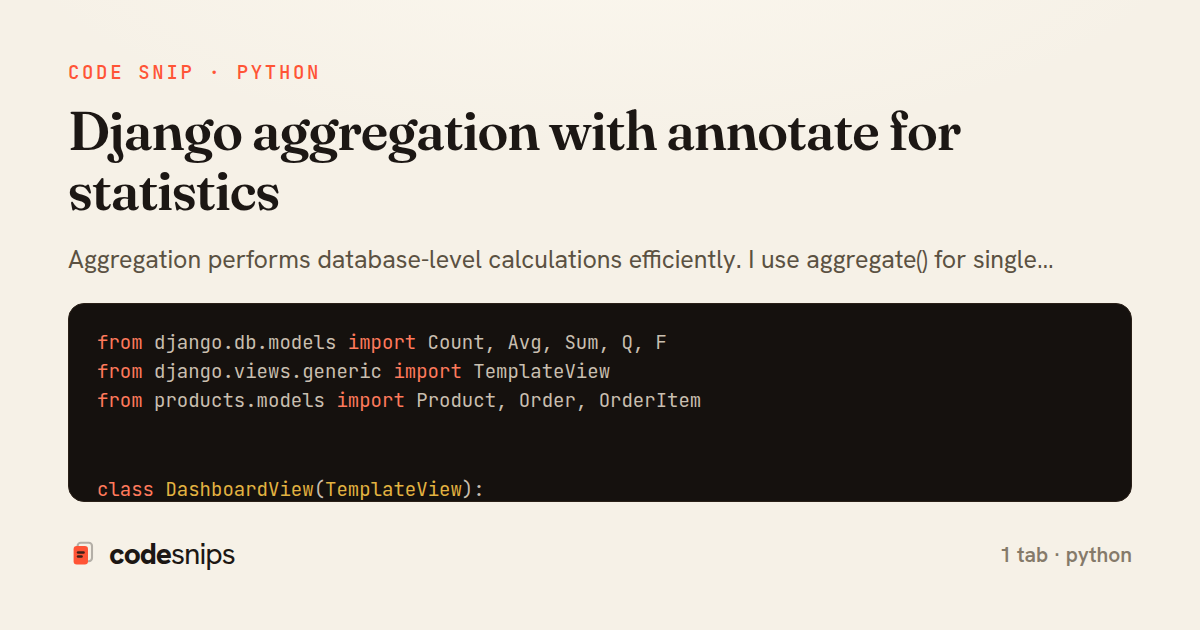
from django.db.models import Count, Avg, Sum, Q, F
from django.views.generic import TemplateView
from products.models import Product, Order, OrderItem


class DashboardView(TemplateView):
    template_name = 'analytics/dashboard.html'

    def get_context_data(self, **kwargs):
        context = super().get_context_data(**kwargs)

        # Simple aggregates
        stats = Order.objects.aggregate(
            total_revenue=Sum('total_amount'),
            average_order=Avg('total_amount'),
            order_count=Count('id')
        )

        # Annotate each product with sales stats
        products = Product.objects.annotate(
            total_sold=Sum('orderitem__quantity'),
            revenue=Sum(F('orderitem__quantity') * F('orderitem__price')),
            order_count=Count('orderitem__order', distinct=True)
        ).filter(
            total_sold__isnull=False
        ).order_by('-revenue')[:10]

        # Conditional aggregation
        order_stats = Order.objects.aggregate(
            completed=Count('id', filter=Q(status='completed')),
            pending=Count('id', filter=Q(status='pending')),
            cancelled=Count('id', filter=Q(status='cancelled'))
        )

        context.update({
            'stats': stats,
            'top_products': products,
            'order_stats': order_stats,
        })

        return context
1 file · python
Explain with highlit
Aggregation performs database-level calculations efficiently. I use aggregate() for single results across entire queryset (like average or total) and annotate() to add calculated fields to each object. Common aggregates include Count, Sum, Avg, Min, and Max. I combine annotate() with filter() to create conditional aggregates. F expressions reference fields in aggregations. This pushes computation to the database, which is much faster than Python loops. For complex stats, I sometimes use raw SQL via extra() or direct cursor, but aggregates handle most cases elegantly.
Related snips
python
import os
import stat

for root, _dirs, files in os.walk('/etc'):
    for name in files:
        path = os.path.join(root, name)
Python security audit script for exposed risky filesystem state
python
auditing
host-security
by Kai Nakamura
1 tab
python
class Product(models.Model):
    name = models.CharField(max_length=200)
    slug = models.SlugField(blank=True)
    price = models.DecimalField(max_digits=10, decimal_places=2)
    cost = models.DecimalField(max_digits=10, decimal_places=2)
    margin = models.DecimalField(max_digits=5, decimal_places=2, blank=True)
Django model signals vs overriding save
django
python
models
by Priya Sharma
2 tabs
python
from django.urls import path
from . import views

app_name = 'blog'

urlpatterns = [
Django URL namespacing and reverse lookups
django
python
urls
by Priya Sharma
3 tabs
ruby
# Vulnerable: user input is concatenated directly into SQL.
email = params[:email]
password = params[:password]

sql = "SELECT * FROM users WHERE email = '#{email}' AND password_hash = '#{password}'"
user = ActiveRecord::Base.connection.execute(sql).first
SQL injection prevention with unsafe and safe query patterns
sql-injection
owasp
database
by Kai Nakamura
3 tabs
python
import graphene
from graphene_django import DjangoObjectType
from blog.models import Post, Comment


class PostType(DjangoObjectType):
Django GraphQL with Graphene
django
python
graphql
by Priya Sharma
2 tabs
sql
-- EXPLAIN ANALYZE (actual execution statistics)
EXPLAIN ANALYZE
SELECT u.username, COUNT(o.id) AS order_count
FROM users u
LEFT JOIN orders o ON u.id = o.user_id
WHERE u.created_at >= '2024-01-01'
Advanced query optimization techniques
database
optimization
query-performance
by Maria Garcia
2 tabs
Share this code
Here's the card — post it anywhere.