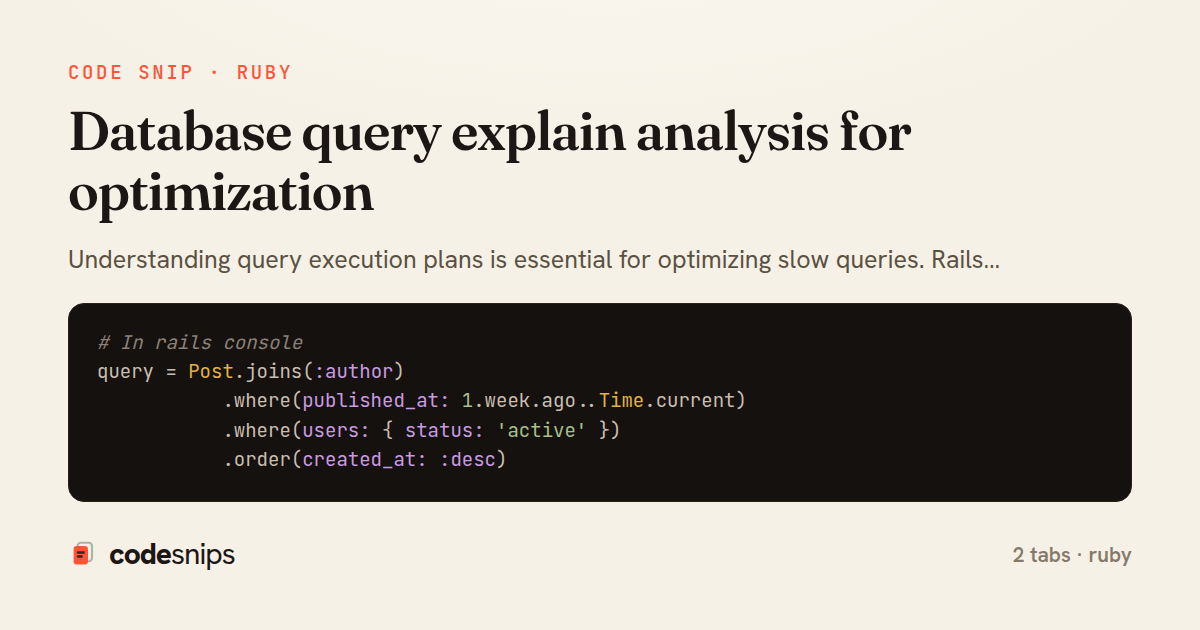
# In rails console
query = Post.joins(:author)
           .where(published_at: 1.week.ago..Time.current)
           .where(users: { status: 'active' })
           .order(created_at: :desc)

# Show query plan
puts query.explain

# Example output analysis:
# Sequential Scan → Need an index
# Index Scan using index_posts_on_published_at → Good!
# Nested Loop → Might need a different join strategy for large datasets

# For production debugging with actual execution:
# query.explain(:analyze, :buffers)
module Api
  module V1
    class PostsController < BaseController
      def index
        posts = Post.includes(:author)
                    .published
                    .order(created_at: :desc)
                    .page(params[:page])

        # Log query plan in development for debugging
        if Rails.env.development?
          Rails.logger.debug("Query plan:\n#{posts.explain}")
        end

        render json: posts
      end
    end
  end
end
Understanding query execution plans is essential for optimizing slow queries. Rails provides explain method on ActiveRecord relations to show PostgreSQL's query planner output. I look for sequential scans on large tables (indicating missing indexes), high cost estimates, and nested loops that might benefit from joins. The explain output shows which indexes are used, estimated row counts, and execution time. For production query optimization, I use EXPLAIN ANALYZE which actually executes the query and shows real timing data. Common optimizations include adding indexes, rewriting queries to use better join strategies, or adding partial indexes for filtered queries. I keep explain output in pull requests when adding complex queries.
Related snips
-- Simple function
CREATE OR REPLACE FUNCTION get_full_name(
  first_name VARCHAR,
  last_name VARCHAR
)
RETURNS VARCHAR AS $$
Stored procedures and functions in PostgreSQL
class CommentsController < ApplicationController
  before_action :set_post

  def create
    @comment = @post.comments.build(comment_params)
System test: asserting Turbo Stream responses
class Post < ApplicationRecord
  belongs_to :author, class_name: 'User'
  has_many :comments, dependent: :destroy

  scope :published, -> { where.not(published_at: nil).where('published_at <= ?', Time.current) }
  scope :draft, -> { where(published_at: nil) }
ActiveRecord scopes for reusable query logic
module Api
  module V1
    class UsersController < BaseController
      def show
        user = User.includes(:profile).find(params[:id])
ETags for conditional requests and caching
class PostsController < ApplicationController
  def index
    @posts = Post.includes(:author)
                 .order(created_at: :desc)
                 .page(params[:page])
                 .per(10)
Turbo Frames: infinite scroll with lazy-loading frame
require "csv"

class PeopleCsvStream
  include Enumerable

  HEADERS = %w[id full_name email signed_up_at plan].freeze
Resilient CSV Export as a Streamed Response
Share this code
Here's the card — post it anywhere.