Jordan Lee
Jan 2026
2 tabs
import { Controller } from "@hotwired/stimulus"

export default class extends Controller {
  static targets = ["field", "status"]
  static values = {
    key: String,
    interval: { type: Number, default: 5000 }
  }

  connect() {
    this.restoreDraft()
    this.setupAutosave()
  }

  disconnect() {
    if (this.saveTimeout) clearTimeout(this.saveTimeout)
  }

  setupAutosave() {
    this.fieldTargets.forEach(field => {
      field.addEventListener('input', () => this.scheduleSave())
    })
  }

  scheduleSave() {
    if (this.saveTimeout) clearTimeout(this.saveTimeout)

    this.saveTimeout = setTimeout(() => {
      this.saveDraft()
    }, this.intervalValue)
  }

  saveDraft() {
    const formData = {}

    this.fieldTargets.forEach(field => {
      formData[field.name] = field.value
    })

    localStorage.setItem(this.keyValue, JSON.stringify({
      data: formData,
      savedAt: new Date().toISOString()
    }))

    this.updateStatus('Draft saved')
  }

  restoreDraft() {
    const draft = localStorage.getItem(this.keyValue)
    if (!draft) return

    const { data, savedAt } = JSON.parse(draft)

    // Only restore if draft is less than 24 hours old
    const savedDate = new Date(savedAt)
    const hoursSince = (Date.now() - savedDate.getTime()) / 1000 / 60 / 60

    if (hoursSince > 24) {
      localStorage.removeItem(this.keyValue)
      return
    }

    // Restore form data
    this.fieldTargets.forEach(field => {
      if (data[field.name]) {
        field.value = data[field.name]
      }
    })

    this.updateStatus(`Draft restored from ${new Date(savedAt).toLocaleTimeString()}`)
  }

  clearDraft() {
    localStorage.removeItem(this.keyValue)
    this.updateStatus('')
  }

  updateStatus(message) {
    if (this.hasStatusTarget) {
      this.statusTarget.textContent = message
    }
  }
}
<%= form_with model: @post,
    data: {
      controller: "autosave",
      autosave_key_value: "post_draft_#{@post.id || 'new'}",
      autosave_interval_value: 3000,
      action: "turbo:submit-end->autosave#clearDraft"
    } do |f| %>

  <div class="mb-2 text-sm text-gray-600">
    <span data-autosave-target="status"></span>
  </div>

  <div class="form-group">
    <%= f.label :title %>
    <%= f.text_field :title,
        class: "form-input",
        data: { autosave_target: "field" } %>
  </div>

  <div class="form-group">
    <%= f.label :body %>
    <%= f.text_area :body,
        rows: 20,
        class: "form-input",
        data: { autosave_target: "field" } %>
  </div>

  <%= f.submit "Publish", class: "btn btn-primary" %>
<% end %>
2 files · javascript, erb
Explain with highlit
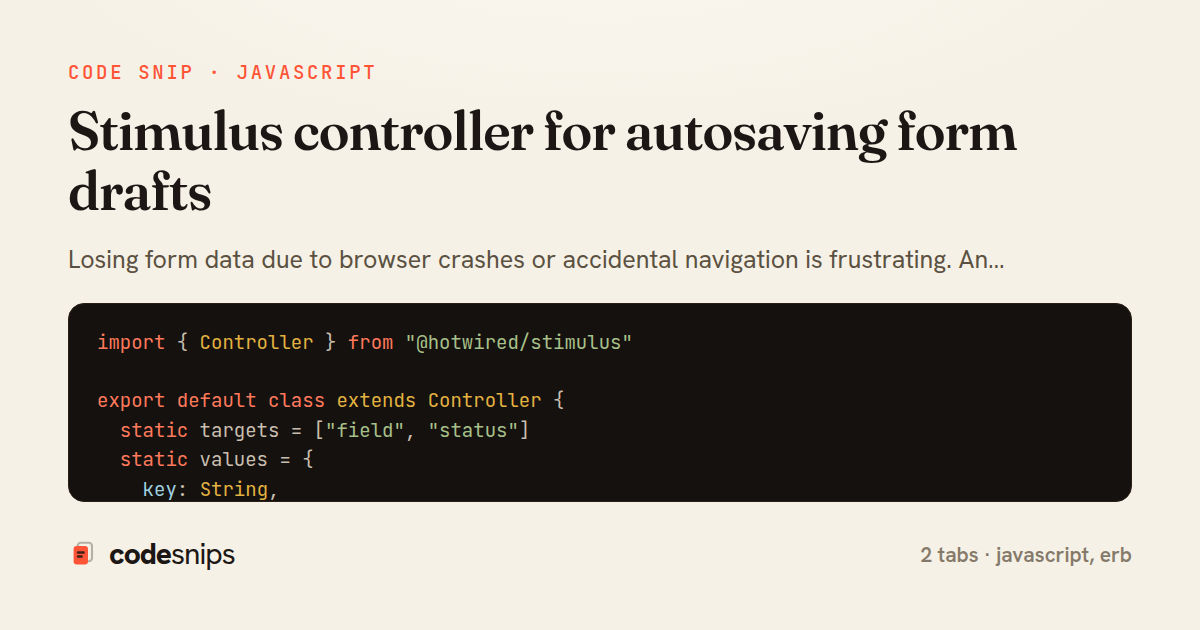
Losing form data due to browser crashes or accidental navigation is frustrating. An autosave controller periodically saves form state to localStorage and restores it on page load. I debounce the save operation to avoid excessive writes and clear the draft when the form successfully submits. This pattern is essential for long-form content like blog posts or applications. I also show a visual indicator when autosave is active and the timestamp of the last save. For authenticated users, I can enhance this by saving drafts server-side via background requests. The key is balancing save frequency with user expectations—too frequent feels janky, too infrequent risks data loss.
Related snips
erb
<form data-controller="query-sync" data-action="change->query-sync#apply">
  <select name="status" class="rounded border p-2">
    <option value="">Any</option>
    <option value="open">Open</option>
    <option value="closed">Closed</option>
  </select>
Filter UI that syncs query params via Stimulus (no front-end router)
rails
hotwire
stimulus
by Henry Kim
2 tabs
javascript
// Creating a Promise
const myPromise = new Promise((resolve, reject) => {
  const success = true;

  setTimeout(() => {
    if (success) {
Promises and async/await patterns for asynchronous JavaScript
javascript
promises
async-await
by Alex Chang
1 tab
javascript
import { Controller } from "@hotwired/stimulus"
import Mousetrap from "mousetrap"

export default class extends Controller {
  connect() {
    // Global shortcuts
Keyboard shortcuts with Stimulus and Mousetrap
stimulus
javascript
ux
by Jordan Lee
2 tabs
javascript
import { Controller } from "@hotwired/stimulus"

export default class extends Controller {
  static targets = ["form"]
  static values = { delay: { type: Number, default: 250 } }
Debounced live search with Stimulus + Turbo Streams
rails
hotwire
stimulus
by codesnips
4 tabs
javascript
// Get canvas and context
const canvas = document.getElementById('myCanvas');
const ctx = canvas.getContext('2d');

// 1. Basic shapes
// Rectangle (filled)
Canvas API for graphics and animations
canvas
javascript
graphics
by Alex Chang
1 tab
html
<!DOCTYPE html>
<html lang="en">
<head>
  <meta charset="UTF-8">
  <title>Form Validation Example</title>
  <style>
HTML forms with validation and accessibility
html
forms
validation
by Alex Chang
1 tab
Share this code
Here's the card — post it anywhere.