Jordan Lee
Jan 2026
3 tabs
import { Controller } from "@hotwired/stimulus"

export default class extends Controller {
  static targets = ["input", "results"]
  static outlets = ["results-list"]
  static values = {
    url: String
  }

  connect() {
    this.timeout = null
  }

  async search() {
    clearTimeout(this.timeout)

    const query = this.inputTarget.value.trim()

    if (query.length < 2) {
      this.clearResults()
      return
    }

    this.timeout = setTimeout(async () => {
      this.showLoading()

      const response = await fetch(`${this.urlValue}?q=${encodeURIComponent(query)}`, {
        headers: { "Accept": "text/vnd.turbo-stream.html" }
      })

      if (response.ok) {
        const html = await response.text()
        // Communicate with the results list controller
        if (this.hasResultsListOutlet) {
          this.resultsListOutlet.update(html)
        }
      }
    }, 300)
  }

  showLoading() {
    if (this.hasResultsListOutlet) {
      this.resultsListOutlet.showLoading()
    }
  }

  clearResults() {
    if (this.hasResultsListOutlet) {
      this.resultsListOutlet.clear()
    }
  }
}
import { Controller } from "@hotwired/stimulus"

export default class extends Controller {
  static targets = ["container"]

  update(html) {
    this.containerTarget.innerHTML = html
    this.element.classList.remove('hidden')
  }

  showLoading() {
    this.containerTarget.innerHTML = '<div class="spinner"></div><p>Searching...</p>'
    this.element.classList.remove('hidden')
  }

  clear() {
    this.containerTarget.innerHTML = ''
    this.element.classList.add('hidden')
  }
}
<div data-controller="search" data-search-url-value="<%= search_posts_path %>" data-search-results-list-outlet=".results-list">
  <div class="relative">
    <input
      type="search"
      placeholder="Search posts..."
      class="form-input"
      data-search-target="input"
      data-action="input->search#search" />
  </div>

  <div class="results-list hidden mt-2" data-controller="results-list">
    <div class="bg-white rounded-lg shadow-lg p-4">
      <div data-results-list-target="container"></div>
    </div>
  </div>
</div>
3 files · javascript, erb
Explain with highlit
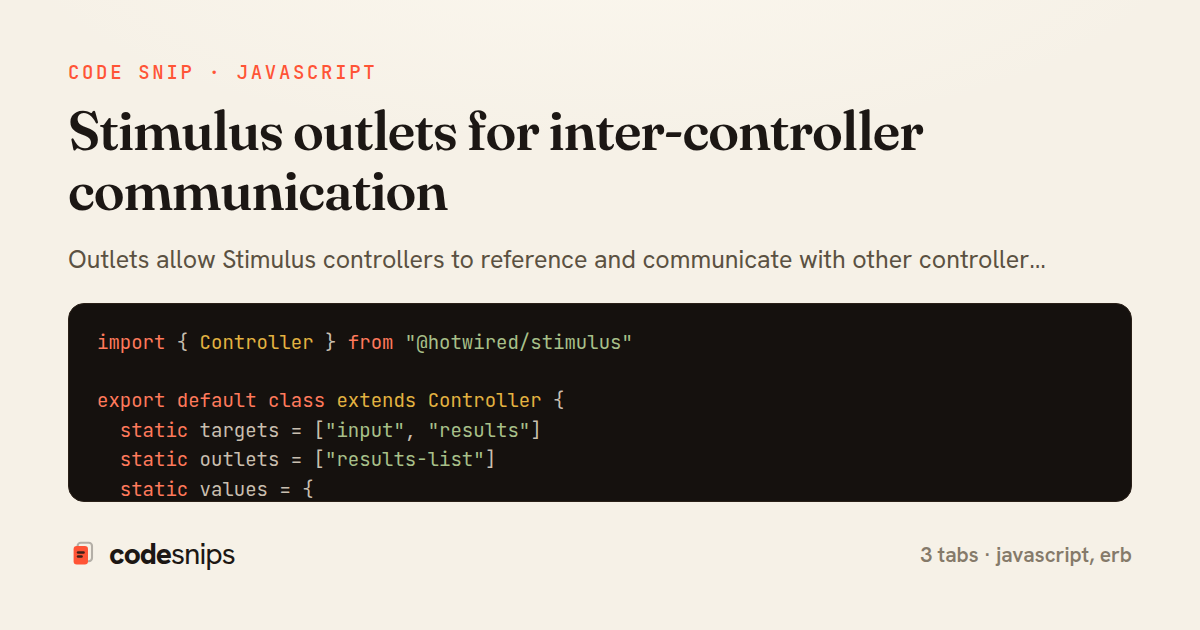
Outlets allow Stimulus controllers to reference and communicate with other controller instances, enabling composition without tight coupling. I define outlets by specifying which controller types to connect to, and Stimulus automatically finds matching controllers in the DOM. This pattern works well for coordinating behavior across components: a form controller might communicate with a modal controller, or a search controller with a results controller. Outlets provide typed references and callbacks when outlets connect or disconnect, making it easy to sync state. This is more maintainable than using custom events for every interaction, though events still have their place for loosely coupled scenarios.
Related snips
ruby
class CommentsController < ApplicationController
  before_action :set_post

  def create
    @comment = @post.comments.build(comment_params)
System test: asserting Turbo Stream responses
rails
hotwire
turbo
by codesnips
4 tabs
ruby
class PostsController < ApplicationController
  def index
    @posts = Post.includes(:author)
                 .order(created_at: :desc)
                 .page(params[:page])
                 .per(10)
Turbo Frames: infinite scroll with lazy-loading frame
rails
turbo
hotwire
by codesnips
4 tabs
erb
<form data-controller="query-sync" data-action="change->query-sync#apply">
  <select name="status" class="rounded border p-2">
    <option value="">Any</option>
    <option value="open">Open</option>
    <option value="closed">Closed</option>
  </select>
Filter UI that syncs query params via Stimulus (no front-end router)
rails
hotwire
stimulus
by Henry Kim
2 tabs
javascript
// Creating a Promise
const myPromise = new Promise((resolve, reject) => {
  const success = true;

  setTimeout(() => {
    if (success) {
Promises and async/await patterns for asynchronous JavaScript
javascript
promises
async-await
by Alex Chang
1 tab
ruby
class TasksController < ApplicationController
  def destroy
    @task = Task.find(params[:id])
    @task.destroy!

    respond_to do |format|
Remove deleted items instantly with turbo_stream.remove
rails
hotwire
turbo
by Henry Kim
2 tabs
javascript
import { Controller } from "@hotwired/stimulus"
import Mousetrap from "mousetrap"

export default class extends Controller {
  connect() {
    // Global shortcuts
Keyboard shortcuts with Stimulus and Mousetrap
stimulus
javascript
ux
by Jordan Lee
2 tabs
Share this code
Here's the card — post it anywhere.