Maya Patel
Jan 2026
3 tabs
import React from 'react'

interface SkeletonProps {
  width?: string | number
  height?: string | number
  className?: string
  circle?: boolean
}

export function Skeleton({ width, height, className = '', circle = false }: SkeletonProps) {
  const styles: React.CSSProperties = {
    width: width,
    height: height,
  }

  return (
    <div
      className={`animate-pulse bg-gray-200 ${circle ? 'rounded-full' : 'rounded'} ${className}`}
      style={styles}
    />
  )
}

export function PostCardSkeleton() {
  return (
    <div className="bg-white p-6 rounded-lg shadow">
      <div className="flex items-center gap-3 mb-4">
        <Skeleton circle width={40} height={40} />
        <div className="flex-1">
          <Skeleton width="40%" height={16} className="mb-2" />
          <Skeleton width="30%" height={12} />
        </div>
      </div>

      <Skeleton width="80%" height={24} className="mb-2" />
      <Skeleton width="100%" height={16} className="mb-1" />
      <Skeleton width="100%" height={16} className="mb-1" />
      <Skeleton width="60%" height={16} className="mb-4" />

      <div className="flex gap-4">
        <Skeleton width={80} height={32} />
        <Skeleton width={80} height={32} />
      </div>
    </div>
  )
}
import { usePosts } from '@/hooks/usePosts'
import { PostCard } from '@/components/PostCard'
import { PostCardSkeleton } from '@/components/Skeleton'

export default function Posts() {
  const { data: posts, isLoading } = usePosts()

  if (isLoading) {
    return (
      <div className="space-y-6">
        {Array.from({ length: 5 }).map((_, i) => (
          <PostCardSkeleton key={i} />
        ))}
      </div>
    )
  }

  return (
    <div className="space-y-6">
      {posts?.map((post) => (
        <PostCard key={post.id} post={post} />
      ))}
    </div>
  )
}
module.exports = {
  theme: {
    extend: {
      keyframes: {
        pulse: {
          '0%, 100%': { opacity: 1 },
          '50%': { opacity: 0.5 },
        },
      },
      animation: {
        pulse: 'pulse 2s cubic-bezier(0.4, 0, 0.6, 1) infinite',
      },
    },
  },
}
3 files · typescript, javascript
Explain with highlit
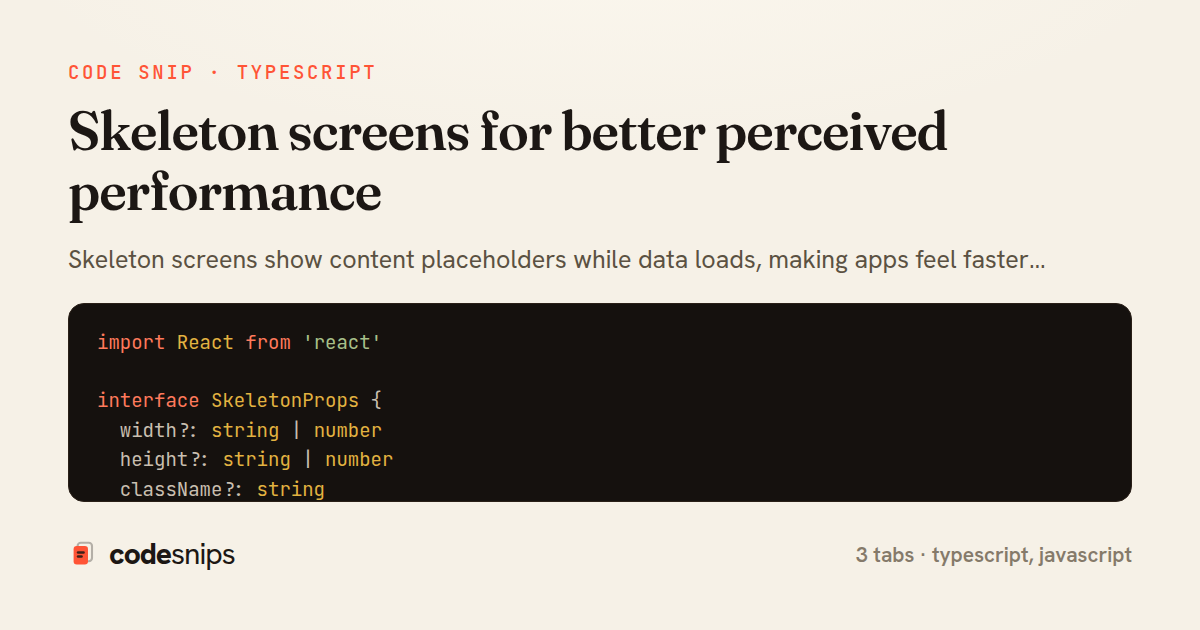
Skeleton screens show content placeholders while data loads, making apps feel faster than spinners. I create skeleton components that match the layout of actual content with subtle pulsing animations. React Query's isLoading flag determines whether to show skeletons or real data. For consistent loading states, I define skeleton variants for common components like cards, lists, and forms. CSS animations using @keyframes create the shimmer effect. The key is matching skeleton dimensions and spacing to the actual content so the layout doesn't shift when data arrives. This technique significantly improves perceived performance, especially on slow connections where users see progress instead of blank screens.
Related snips
ruby
require "csv"

class PeopleCsvStream
  include Enumerable

  HEADERS = %w[id full_name email signed_up_at plan].freeze
Resilient CSV Export as a Streamed Response
rails
performance
streaming
by codesnips
3 tabs
ruby
Rails.application.configure do
  config.after_initialize do
    Bullet.enable = true
    Bullet.alert = false
    Bullet.bullet_logger = true
    Bullet.console = true
N+1 query detection with Bullet gem
rails
performance
activerecord
by Alex Kumar
2 tabs
javascript
import { Controller } from "@hotwired/stimulus"
import Mousetrap from "mousetrap"

export default class extends Controller {
  connect() {
    // Global shortcuts
Keyboard shortcuts with Stimulus and Mousetrap
stimulus
javascript
ux
by Jordan Lee
2 tabs
ruby
json.array! @posts do |post|
  json.cache! ['v1', post], expires_in: 1.hour do
    json.id post.id
    json.title post.title
    json.excerpt post.excerpt
    json.published_at post.published_at
Fragment caching for expensive JSON serialization
rails
caching
performance
by Alex Kumar
1 tab
typescript
import axios, { AxiosError } from 'axios'
import { v4 as uuidv4 } from 'uuid'

const api = axios.create({
  baseURL: import.meta.env.VITE_API_URL || 'http://localhost:3000/api/v1',
  timeout: 15000,
Axios API client with interceptors
react
axios
api
by Maya Patel
1 tab
typescript
import { create } from 'zustand'
import { persist } from 'zustand/middleware'

interface FilterState {
  search: string
  category: string | null
Zustand for lightweight state management
react
zustand
state-management
by Maya Patel
2 tabs
Share this code
Here's the card — post it anywhere.