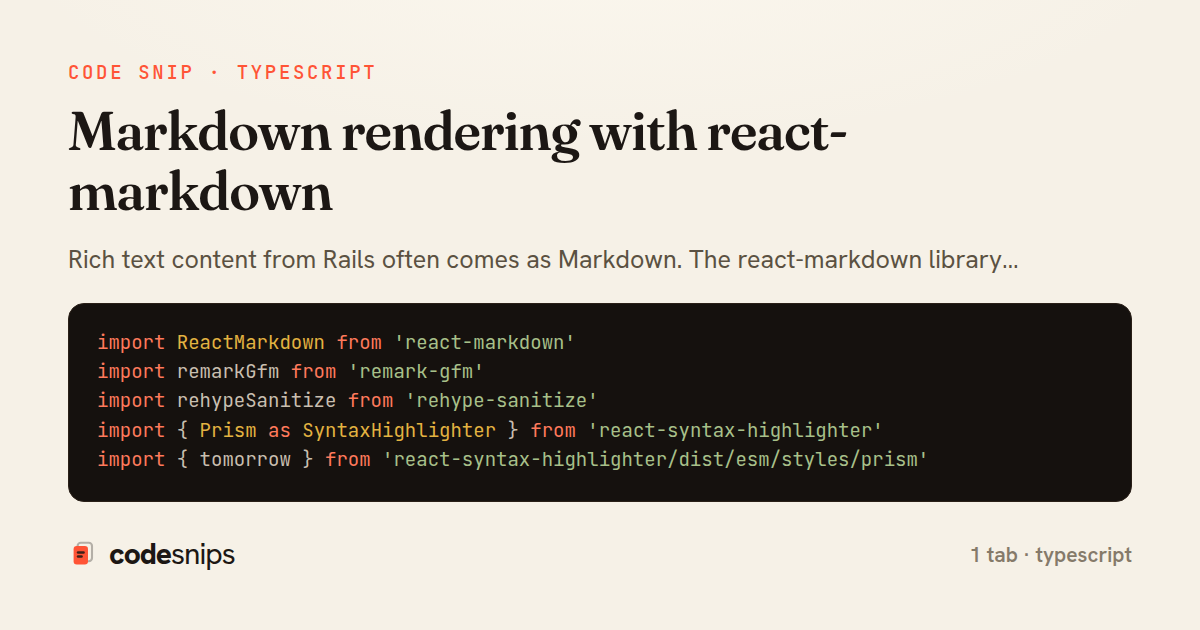
import ReactMarkdown from 'react-markdown'
import remarkGfm from 'remark-gfm'
import rehypeSanitize from 'rehype-sanitize'
import { Prism as SyntaxHighlighter } from 'react-syntax-highlighter'
import { tomorrow } from 'react-syntax-highlighter/dist/esm/styles/prism'

interface MarkdownContentProps {
  content: string
}

export function MarkdownContent({ content }: MarkdownContentProps) {
  return (
    <ReactMarkdown
      remarkPlugins={[remarkGfm]}
      rehypePlugins={[rehypeSanitize]}
      components={{
        h1: ({ node, ...props }) => <h1 className="text-3xl font-bold mt-8 mb-4" {...props} />,
        h2: ({ node, ...props }) => <h2 className="text-2xl font-bold mt-6 mb-3" {...props} />,
        h3: ({ node, ...props }) => <h3 className="text-xl font-bold mt-4 mb-2" {...props} />,
        p: ({ node, ...props }) => <p className="mb-4 leading-relaxed" {...props} />,
        a: ({ node, ...props }) => (
          <a
            className="text-blue-600 hover:underline"
            target="_blank"
            rel="noopener noreferrer"
            {...props}
          />
        ),
        ul: ({ node, ...props }) => <ul className="list-disc list-inside mb-4 space-y-2" {...props} />,
        ol: ({ node, ...props }) => <ol className="list-decimal list-inside mb-4 space-y-2" {...props} />,
        code: ({ node, inline, className, children, ...props }: any) => {
          const match = /language-(\w+)/.exec(className || '')
          return !inline && match ? (
            <SyntaxHighlighter
              style={tomorrow}
              language={match[1]}
              PreTag="div"
              className="rounded-lg my-4"
              {...props}
            >
              {String(children).replace(/\n$/, '')}
            </SyntaxHighlighter>
          ) : (
            <code className="bg-gray-100 px-1.5 py-0.5 rounded text-sm font-mono" {...props}>
              {children}
            </code>
          )
        },
        blockquote: ({ node, ...props }) => (
          <blockquote
            className="border-l-4 border-gray-300 pl-4 italic text-gray-600 my-4"
            {...props}
          />
        ),
      }}
    >
      {content}
    </ReactMarkdown>
  )
}
Rich text content from Rails often comes as Markdown. The react-markdown library renders Markdown to React components with customizable styling and sanitization. I configure it to use syntax highlighting via react-syntax-highlighter for code blocks, customize heading levels for semantic HTML, and add target='_blank' to external links. The remarkGfm plugin enables GitHub-Flavored Markdown features like tables and task lists. For security, I use rehype-sanitize to prevent XSS attacks from user-generated content. Custom component mapping lets me render Markdown elements as styled components that match the design system. This approach gives users rich formatting while maintaining full control over rendered HTML.
Related snips
export interface RetryOptions {
  retries: number;
  baseMs: number;
  maxMs: number;
  signal?: AbortSignal;
  onRetry?: (attempt: number, delay: number, err: unknown) => void;
Exponential backoff with jitter for retries
import axios, { AxiosError } from 'axios'
import { v4 as uuidv4 } from 'uuid'

const api = axios.create({
  baseURL: import.meta.env.VITE_API_URL || 'http://localhost:3000/api/v1',
  timeout: 15000,
Axios API client with interceptors
import { create } from 'zustand'
import { persist } from 'zustand/middleware'

interface FilterState {
  search: string
  category: string | null
Zustand for lightweight state management
import React from "react";

type FallbackProps = {
  error: Error;
  reset: () => void;
};
React Error Boundary + error reporting hook
const withBundleAnalyzer = require('@next/bundle-analyzer')({
  enabled: process.env.ANALYZE === 'true',
  openAnalyzer: true,
});

/** @type {import('next').NextConfig} */
Next.js bundle analyzer for targeted performance work
import { Navigate, useLocation } from 'react-router-dom'
import { useAuth } from '@/contexts/AuthContext'

interface ProtectedRouteProps {
  children: React.ReactNode
}
React Router with protected routes
Share this code
Here's the card — post it anywhere.