typescript
69 lines · 2 tabs
Maya Patel
Jan 2026
2 tabs
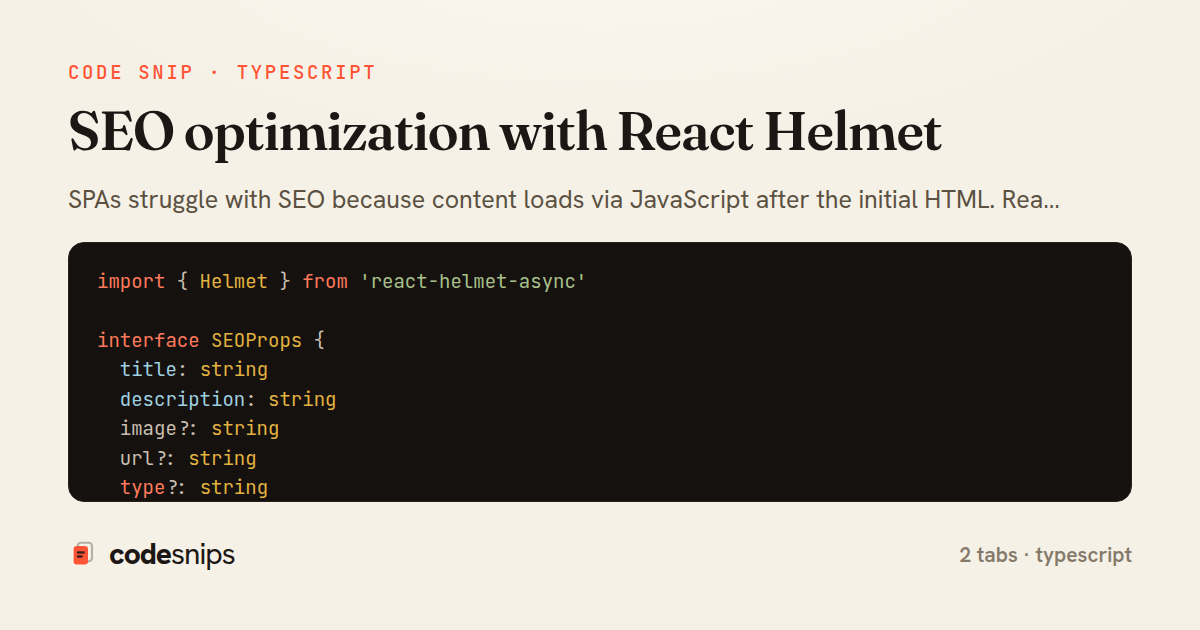
import { Helmet } from 'react-helmet-async'

interface SEOProps {
  title: string
  description: string
  image?: string
  url?: string
  type?: string
}

export function SEO({ title, description, image, url, type = 'website' }: SEOProps) {
  const siteUrl = import.meta.env.VITE_SITE_URL || 'https://example.com'
  const fullUrl = url ? `${siteUrl}${url}` : siteUrl
  const imageUrl = image ? `${siteUrl}${image}` : `${siteUrl}/default-og-image.jpg`

  return (
    <Helmet>
      <title>{title} | MyApp</title>
      <meta name="description" content={description} />

      {/* Open Graph */}
      <meta property="og:type" content={type} />
      <meta property="og:title" content={title} />
      <meta property="og:description" content={description} />
      <meta property="og:image" content={imageUrl} />
      <meta property="og:url" content={fullUrl} />

      {/* Twitter Card */}
      <meta name="twitter:card" content="summary_large_image" />
      <meta name="twitter:title" content={title} />
      <meta name="twitter:description" content={description} />
      <meta name="twitter:image" content={imageUrl} />

      {/* Canonical URL */}
      <link rel="canonical" href={fullUrl} />
    </Helmet>
  )
}
import { useParams } from 'react-router-dom'
import { useQuery } from '@tanstack/react-query'
import { SEO } from '@/components/SEO'
import api from '@/services/api'

export default function PostDetail() {
  const { id } = useParams()
  const { data: post } = useQuery({
    queryKey: ['posts', id],
    queryFn: () => api.get(`/posts/${id}`).then((res) => res.data),
  })

  if (!post) return null

  return (
    <>
      <SEO
        title={post.title}
        description={post.excerpt}
        image={post.cover_image_url}
        url={`/posts/${post.id}`}
        type="article"
      />

      <article>
        <h1>{post.title}</h1>
        {/* Post content */}
      </article>
    </>
  )
}
2 files · typescript
Explain with highlit
SPAs struggle with SEO because content loads via JavaScript after the initial HTML. React Helmet manages document head tags like title, meta descriptions, and Open Graph tags per route. Each page component declares its own metadata, and Helmet ensures only the most recent values render. I create a reusable SEO component that accepts title, description, and image props. For serious SEO needs, I add server-side rendering, but Helmet alone helps with social sharing and user bookmarks. The library prevents duplicate tags and properly escapes content. Combined with React Router, every route can have custom metadata that updates as users navigate.
Related snips
html
<!DOCTYPE html>
<html lang="en">
<head>
  <meta charset="UTF-8">
  <meta name="viewport" content="width=device-width, initial-scale=1.0">
  <title>Semantic HTML Example</title>
Semantic HTML5 elements and accessibility best practices
html
html5
semantics
by Alex Chang
2 tabs
typescript
import axios, { AxiosError } from 'axios'
import { v4 as uuidv4 } from 'uuid'

const api = axios.create({
  baseURL: import.meta.env.VITE_API_URL || 'http://localhost:3000/api/v1',
  timeout: 15000,
Axios API client with interceptors
react
axios
api
by Maya Patel
1 tab
typescript
import { create } from 'zustand'
import { persist } from 'zustand/middleware'

interface FilterState {
  search: string
  category: string | null
Zustand for lightweight state management
react
zustand
state-management
by Maya Patel
2 tabs
typescript
import React from "react";

type FallbackProps = {
  error: Error;
  reset: () => void;
};
React Error Boundary + error reporting hook
react
frontend
error-boundary
by codesnips
3 tabs
javascript
const withBundleAnalyzer = require('@next/bundle-analyzer')({
  enabled: process.env.ANALYZE === 'true',
  openAnalyzer: true,
});

/** @type {import('next').NextConfig} */
Next.js bundle analyzer for targeted performance work
nextjs
performance
tooling
by codesnips
4 tabs
typescript
import { Navigate, useLocation } from 'react-router-dom'
import { useAuth } from '@/contexts/AuthContext'

interface ProtectedRouteProps {
  children: React.ReactNode
}
React Router with protected routes
react
react-router
routing
by Maya Patel
2 tabs
Share this code
Here's the card — post it anywhere.