typescript
79 lines · 2 tabs
Maya Patel
Jan 2026
2 tabs
import { Link, useLocation, useMatches } from 'react-router-dom'

interface BreadcrumbMatch {
  pathname: string
  handle?: {
    crumb?: (data?: any) => string
  }
  data?: any
}

export function Breadcrumbs() {
  const location = useLocation()
  const matches = useMatches() as BreadcrumbMatch[]

  const crumbs = matches
    .filter((match) => match.handle?.crumb)
    .map((match) => ({
      pathname: match.pathname,
      label: match.handle!.crumb!(match.data),
    }))

  if (crumbs.length === 0) return null

  return (
    <nav aria-label="Breadcrumb" className="mb-4">
      <ol className="flex items-center gap-2 text-sm text-gray-600">
        <li>
          <Link to="/" className="hover:text-gray-900">
            <i className="fas fa-home" />
          </Link>
        </li>

        {crumbs.map((crumb, index) => {
          const isLast = index === crumbs.length - 1

          return (
            <li key={crumb.pathname} className="flex items-center gap-2">
              <i className="fas fa-chevron-right text-xs text-gray-400" />
              {isLast ? (
                <span className="font-medium text-gray-900">{crumb.label}</span>
              ) : (
                <Link to={crumb.pathname} className="hover:text-gray-900">
                  {crumb.label}
                </Link>
              )}
            </li>
          )
        })}
      </ol>
    </nav>
  )
}
const routes = [
  {
    path: '/',
    element: <Layout />,
    children: [
      {
        path: 'posts',
        element: <Posts />,
        handle: {
          crumb: () => 'Posts',
        },
      },
      {
        path: 'posts/:id',
        element: <PostDetail />,
        handle: {
          crumb: (data: any) => data?.post?.title || 'Loading...',
        },
        loader: async ({ params }) => {
          // Load post data for breadcrumb
          const post = await fetchPost(params.id!)
          return { post }
        },
      },
    ],
  },
]
2 files · typescript
Explain with highlit
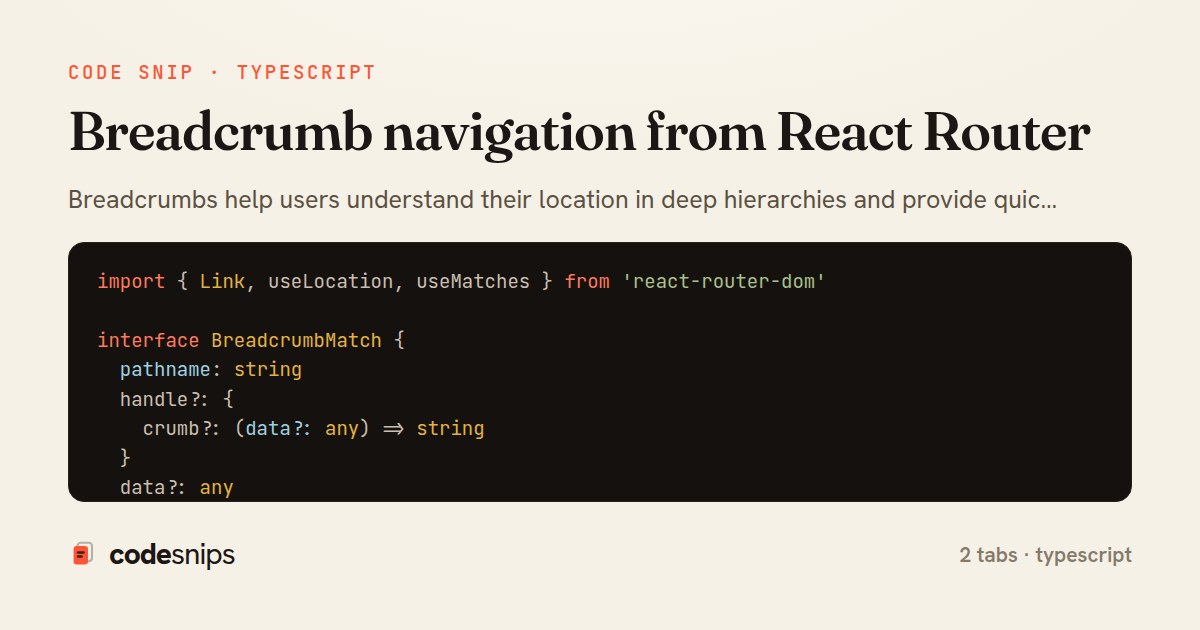
Breadcrumbs help users understand their location in deep hierarchies and provide quick navigation to parent pages. I build breadcrumbs from React Router's location state and route configuration. For nested routes, I define metadata like breadcrumb labels in route config and traverse the matched routes to build the breadcrumb trail. Dynamic segments like post IDs can display titles fetched from cache or props. The Link component handles navigation, and I style the current page differently to indicate the active location. Breadcrumbs improve usability and SEO by providing structured navigation links. For mobile, I often show only the immediate parent to save space.
Related snips
typescript
import axios, { AxiosError } from 'axios'
import { v4 as uuidv4 } from 'uuid'

const api = axios.create({
  baseURL: import.meta.env.VITE_API_URL || 'http://localhost:3000/api/v1',
  timeout: 15000,
Axios API client with interceptors
react
axios
api
by Maya Patel
1 tab
typescript
import { create } from 'zustand'
import { persist } from 'zustand/middleware'

interface FilterState {
  search: string
  category: string | null
Zustand for lightweight state management
react
zustand
state-management
by Maya Patel
2 tabs
typescript
import React from "react";

type FallbackProps = {
  error: Error;
  reset: () => void;
};
React Error Boundary + error reporting hook
react
frontend
error-boundary
by codesnips
3 tabs
erb
<nav class="site-nav" data-controller="preload">
  <ul>
    <li>
      <%= link_to "Dashboard", dashboard_path,
            class: "nav-link",
            data: { turbo_preload: true } %>
Speed up perceived performance with Turbo preload links
rails
hotwire
turbo
by codesnips
3 tabs
javascript
const withBundleAnalyzer = require('@next/bundle-analyzer')({
  enabled: process.env.ANALYZE === 'true',
  openAnalyzer: true,
});

/** @type {import('next').NextConfig} */
Next.js bundle analyzer for targeted performance work
nextjs
performance
tooling
by codesnips
4 tabs
typescript
import { Navigate, useLocation } from 'react-router-dom'
import { useAuth } from '@/contexts/AuthContext'

interface ProtectedRouteProps {
  children: React.ReactNode
}
React Router with protected routes
react
react-router
routing
by Maya Patel
2 tabs
Share this code
Here's the card — post it anywhere.