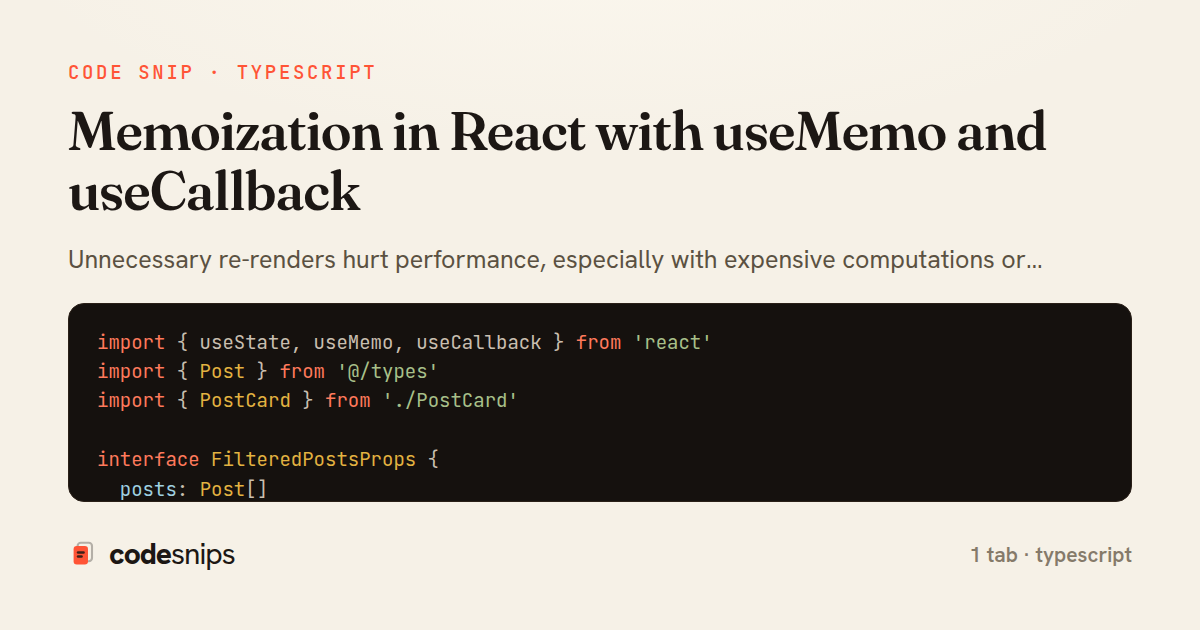
import { useState, useMemo, useCallback } from 'react'
import { Post } from '@/types'
import { PostCard } from './PostCard'

interface FilteredPostsProps {
  posts: Post[]
}

export function FilteredPosts({ posts }: FilteredPostsProps) {
  const [searchTerm, setSearchTerm] = useState('')
  const [category, setCategory] = useState<string | null>(null)

  // Memoize expensive filtering operation
  const filteredPosts = useMemo(() => {
    return posts.filter((post) => {
      const matchesSearch = post.title.toLowerCase().includes(searchTerm.toLowerCase())
      const matchesCategory = !category || post.category === category
      return matchesSearch && matchesCategory
    })
  }, [posts, searchTerm, category])

  // Memoize sorted result
  const sortedPosts = useMemo(() => {
    return [...filteredPosts].sort((a, b) =>
      b.published_at.localeCompare(a.published_at)
    )
  }, [filteredPosts])

  // Memoize callback to prevent child re-renders
  const handleLike = useCallback((postId: string) => {
    // Handle like action
    console.log('Liked post:', postId)
  }, [])

  return (
    <div>
      <div className="mb-4 flex gap-4">
        <input
          type="search"
          value={searchTerm}
          onChange={(e) => setSearchTerm(e.target.value)}
          placeholder="Search posts..."
          className="px-3 py-2 border rounded"
        />
        <select
          value={category || ''}
          onChange={(e) => setCategory(e.target.value || null)}
          className="px-3 py-2 border rounded"
        >
          <option value="">All Categories</option>
          <option value="tech">Tech</option>
          <option value="design">Design</option>
        </select>
      </div>

      <div className="text-sm text-gray-600 mb-4">
        Showing {sortedPosts.length} of {posts.length} posts
      </div>

      <div className="space-y-4">
        {sortedPosts.map((post) => (
          <PostCard key={post.id} post={post} onLike={handleLike} />
        ))}
      </div>
    </div>
  )
}
Unnecessary re-renders hurt performance, especially with expensive computations or callbacks passed to child components. useMemo memoizes computed values, recalculating only when dependencies change. useCallback memoizes function instances, preventing child re-renders when functions are passed as props. I use useMemo for filtering/sorting large arrays or expensive calculations. useCallback stabilizes event handlers passed to memoized children. The dependencies array is critical—omitting dependencies causes stale closures, while over-specifying causes unnecessary recalculations. React DevTools Profiler identifies components that benefit from memoization. The key is balancing optimization with complexity—premature optimization adds cognitive overhead without measurable gains.
Related snips
require "csv"

class PeopleCsvStream
  include Enumerable

  HEADERS = %w[id full_name email signed_up_at plan].freeze
Resilient CSV Export as a Streamed Response
Rails.application.configure do
  config.after_initialize do
    Bullet.enable = true
    Bullet.alert = false
    Bullet.bullet_logger = true
    Bullet.console = true
N+1 query detection with Bullet gem
json.array! @posts do |post|
  json.cache! ['v1', post], expires_in: 1.hour do
    json.id post.id
    json.title post.title
    json.excerpt post.excerpt
    json.published_at post.published_at
Fragment caching for expensive JSON serialization
import axios, { AxiosError } from 'axios'
import { v4 as uuidv4 } from 'uuid'

const api = axios.create({
  baseURL: import.meta.env.VITE_API_URL || 'http://localhost:3000/api/v1',
  timeout: 15000,
Axios API client with interceptors
import { create } from 'zustand'
import { persist } from 'zustand/middleware'

interface FilterState {
  search: string
  category: string | null
Zustand for lightweight state management
package deps

import (
  "net"
  "net/http"
  "time"
HTTP client tuned for production: timeouts, transport, and connection reuse
Share this code
Here's the card — post it anywhere.