typescript
62 lines · 2 tabs
Maya Patel
Jan 2026
2 tabs
import { useEffect, useState, useRef } from 'react'

interface UseInViewOptions {
  threshold?: number | number[]
  rootMargin?: string
  triggerOnce?: boolean
}

export function useInView(options: UseInViewOptions = {}) {
  const { threshold = 0, rootMargin = '0px', triggerOnce = false } = options
  const [inView, setInView] = useState(false)
  const [hasTriggered, setHasTriggered] = useState(false)
  const ref = useRef<HTMLElement>(null)

  useEffect(() => {
    const element = ref.current
    if (!element || (triggerOnce && hasTriggered)) return

    const observer = new IntersectionObserver(
      ([entry]) => {
        const isInView = entry.isIntersecting
        setInView(isInView)

        if (isInView && triggerOnce) {
          setHasTriggered(true)
        }
      },
      { threshold, rootMargin }
    )

    observer.observe(element)

    return () => observer.disconnect()
  }, [threshold, rootMargin, triggerOnce, hasTriggered])

  return { ref, inView }
}
import { useInView } from '@/hooks/useInView'

interface LazyImageProps {
  src: string
  alt: string
  className?: string
}

export function LazyImage({ src, alt, className }: LazyImageProps) {
  const { ref, inView } = useInView({
    threshold: 0,
    rootMargin: '200px', // Start loading 200px before visible
    triggerOnce: true,
  })

  return (
    <img
      ref={ref as any}
      src={inView ? src : undefined}
      alt={alt}
      className={className}
      loading="lazy"
    />
  )
}
2 files · typescript
Explain with highlit
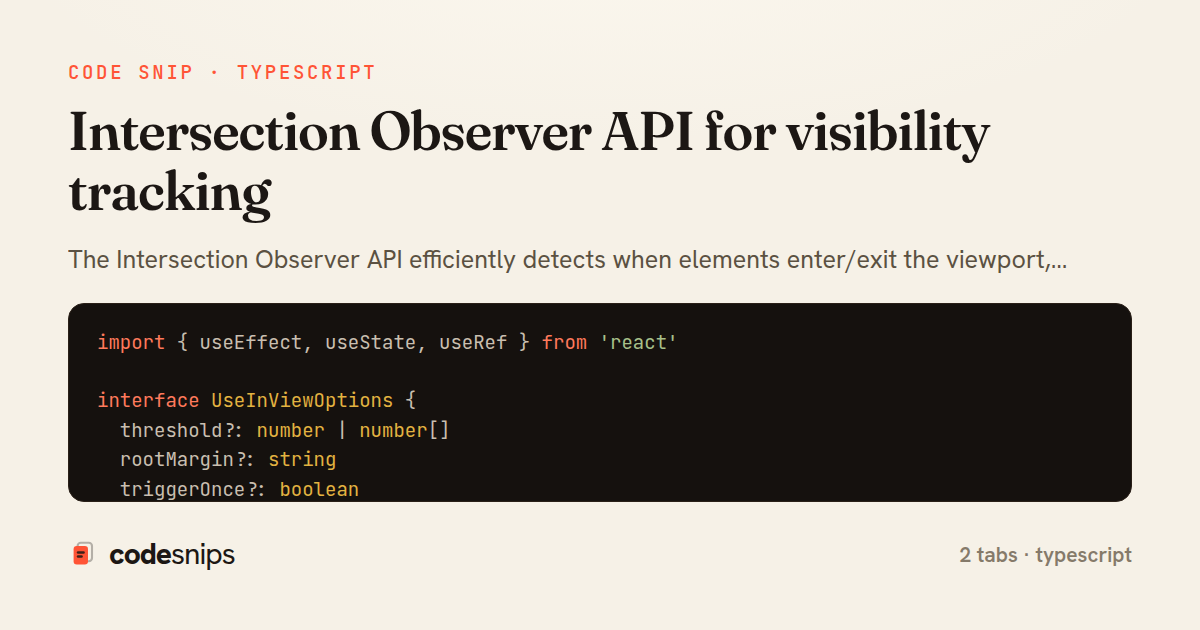
The Intersection Observer API efficiently detects when elements enter/exit the viewport, enabling lazy loading, infinite scroll, and analytics without expensive scroll listeners. I create observers with thresholds defining when callbacks trigger—0.0 means any pixel visible, 1.0 means fully visible. Observers watch multiple elements simultaneously with minimal performance cost. For lazy images, I load when they're about to enter viewport with a root margin buffer. Analytics track which content users actually view. Infinite scroll triggers fetches when sentinel elements become visible. This modern API replaces polling and improves performance significantly. All major browsers support it.
Related snips
ruby
class PostsController < ApplicationController
  def index
    @posts = Post.includes(:author)
                 .order(created_at: :desc)
                 .page(params[:page])
                 .per(10)
Turbo Frames: infinite scroll with lazy-loading frame
rails
turbo
hotwire
by codesnips
4 tabs
ruby
require "csv"

class PeopleCsvStream
  include Enumerable

  HEADERS = %w[id full_name email signed_up_at plan].freeze
Resilient CSV Export as a Streamed Response
rails
performance
streaming
by codesnips
3 tabs
ruby
Rails.application.configure do
  config.after_initialize do
    Bullet.enable = true
    Bullet.alert = false
    Bullet.bullet_logger = true
    Bullet.console = true
N+1 query detection with Bullet gem
rails
performance
activerecord
by Alex Kumar
2 tabs
ruby
json.array! @posts do |post|
  json.cache! ['v1', post], expires_in: 1.hour do
    json.id post.id
    json.title post.title
    json.excerpt post.excerpt
    json.published_at post.published_at
Fragment caching for expensive JSON serialization
rails
caching
performance
by Alex Kumar
1 tab
typescript
import axios, { AxiosError } from 'axios'
import { v4 as uuidv4 } from 'uuid'

const api = axios.create({
  baseURL: import.meta.env.VITE_API_URL || 'http://localhost:3000/api/v1',
  timeout: 15000,
Axios API client with interceptors
react
axios
api
by Maya Patel
1 tab
typescript
import { create } from 'zustand'
import { persist } from 'zustand/middleware'

interface FilterState {
  search: string
  category: string | null
Zustand for lightweight state management
react
zustand
state-management
by Maya Patel
2 tabs
Share this code
Here's the card — post it anywhere.