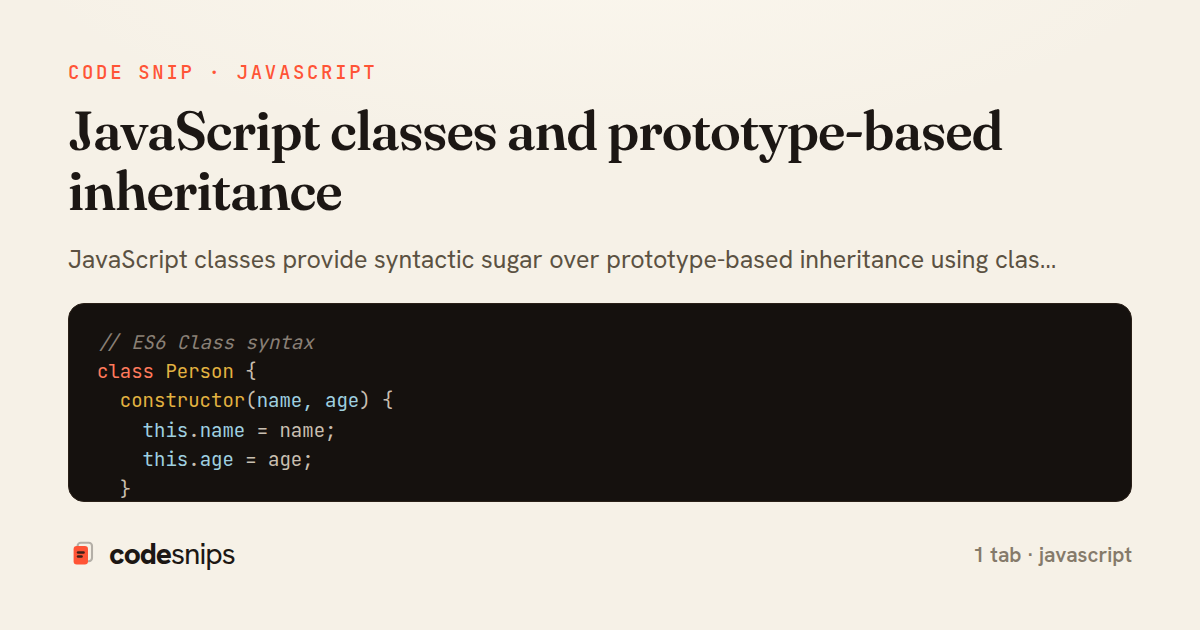
// ES6 Class syntax
class Person {
  constructor(name, age) {
    this.name = name;
    this.age = age;
  }

  greet() {
    return `Hello, I'm ${this.name}`;
  }

  get info() {
    return `${this.name}, ${this.age} years old`;
  }

  static species() {
    return 'Homo sapiens';
  }
}

const person = new Person('Alice', 30);
console.log(person.greet());

// Inheritance
class Employee extends Person {
  constructor(name, age, jobTitle) {
    super(name, age);
    this.jobTitle = jobTitle;
  }

  greet() {
    return `${super.greet()}, I work as a ${this.jobTitle}`;
  }
}

// Private fields
class BankAccount {
  #balance = 0;

  deposit(amount) {
    this.#balance += amount;
    return this.#balance;
  }

  get balance() {
    return this.#balance;
  }
}

// Prototype-based
function Animal(name) {
  this.name = name;
}

Animal.prototype.speak = function() {
  return `${this.name} makes a sound`;
};

const dog = new Animal('Dog');
console.log(dog.speak());

// Static methods
class MathUtils {
  static PI = 3.14159;

  static circleArea(radius) {
    return this.PI * radius * radius;
  }
}
JavaScript classes provide syntactic sugar over prototype-based inheritance using class keyword. I define constructors with constructor() method for initialization. Using extends creates subclasses that inherit from parent classes. The super keyword calls parent class methods and constructors. Instance methods are defined directly in class body. Static methods belong to class itself using static keyword. Private fields use # prefix for encapsulation. Getters and setters with get and set keywords control property access. Understanding prototypes reveals how JavaScript inheritance works under the hood. The prototype chain links objects to their constructors. Modern classes make object-oriented programming more intuitive in JavaScript.
Related snips
// Creating a Promise
const myPromise = new Promise((resolve, reject) => {
  const success = true;

  setTimeout(() => {
    if (success) {
Promises and async/await patterns for asynchronous JavaScript
import { Controller } from "@hotwired/stimulus"
import Mousetrap from "mousetrap"

export default class extends Controller {
  connect() {
    // Global shortcuts
Keyboard shortcuts with Stimulus and Mousetrap
// Get canvas and context
const canvas = document.getElementById('myCanvas');
const ctx = canvas.getContext('2d');

// 1. Basic shapes
// Rectangle (filled)
Canvas API for graphics and animations
// Basic event listener
const button = document.getElementById('myButton');

button.addEventListener('click', function(event) {
  console.log('Button clicked!');
  console.log('Event type:', event.type);
Event handling and event delegation patterns in JavaScript
// Basic GET request
fetch('https://api.example.com/users')
  .then(response => {
    console.log('Status:', response.status);
    console.log('OK:', response.ok);
    return response.json();
Fetch API for HTTP requests and AJAX communication
<turbo-stream action="set_title">
  <template><%= "Inbox (#{@unread_count})" %></template>
</turbo-stream>
Turbo Streams: update document title with a custom action
Share this code
Here's the card — post it anywhere.