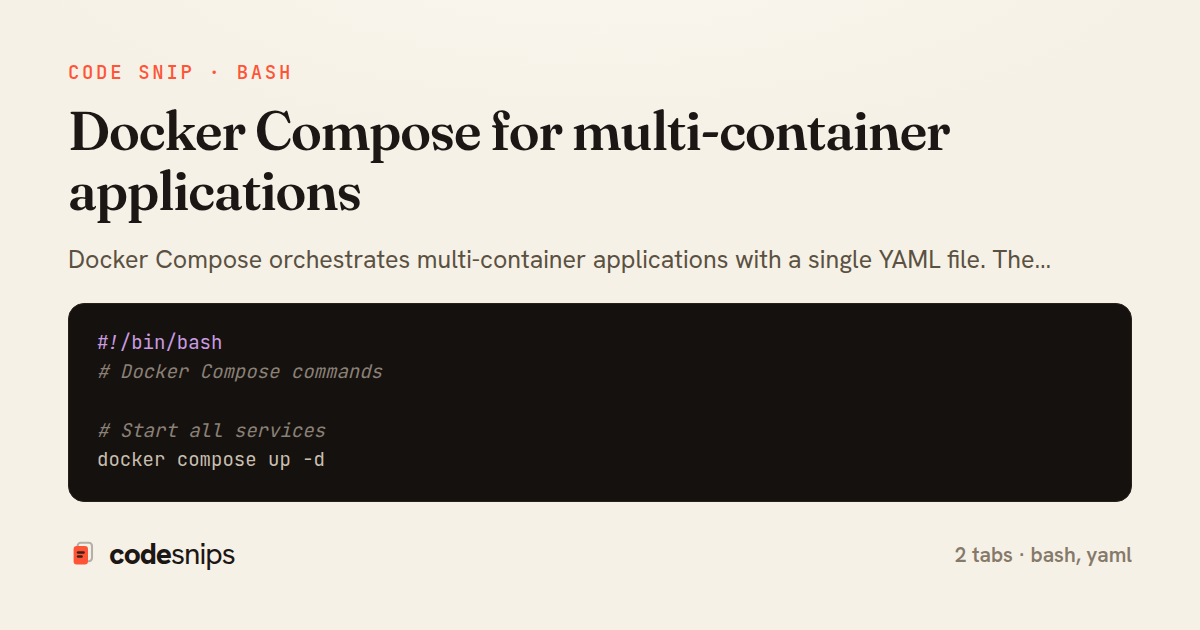
#!/bin/bash
# Docker Compose commands

# Start all services
docker compose up -d

# Start with build
docker compose up -d --build

# Start specific services
docker compose up -d app db

# Start with profiles
docker compose --profile workers up -d

# View logs
docker compose logs -f app
docker compose logs --tail=100 db

# Scale services
docker compose up -d --scale worker=3

# Execute commands in running service
docker compose exec app /bin/sh
docker compose exec db psql -U postgres myapp

# Stop services
docker compose stop
docker compose down              # Stop and remove containers
docker compose down -v           # Also remove volumes
docker compose down --rmi all    # Also remove images

# Check status
docker compose ps
docker compose top

# Override for development
# docker-compose.override.yml is auto-loaded
docker compose -f docker-compose.yml -f docker-compose.prod.yml up -d
version: '3.8'

services:
  app:
    build:
      context: .
      dockerfile: Dockerfile
      target: production
    ports:
      - "3000:3000"
    environment:
      - NODE_ENV=production
      - DATABASE_URL=postgres://postgres:secret@db:5432/myapp
      - REDIS_URL=redis://redis:6379
    depends_on:
      db:
        condition: service_healthy
      redis:
        condition: service_healthy
    volumes:
      - uploads:/app/uploads
    networks:
      - backend
    restart: unless-stopped
    deploy:
      resources:
        limits:
          cpus: '1.0'
          memory: 512M
        reservations:
          cpus: '0.5'
          memory: 256M

  db:
    image: postgres:16-alpine
    environment:
      POSTGRES_DB: myapp
      POSTGRES_USER: postgres
      POSTGRES_PASSWORD: secret
    volumes:
      - postgres_data:/var/lib/postgresql/data
      - ./init.sql:/docker-entrypoint-initdb.d/init.sql
    ports:
      - "5432:5432"
    networks:
      - backend
    healthcheck:
      test: ["CMD-SHELL", "pg_isready -U postgres"]
      interval: 10s
      timeout: 5s
      retries: 5

  redis:
    image: redis:7-alpine
    command: redis-server --appendonly yes --maxmemory 256mb
    volumes:
      - redis_data:/data
    ports:
      - "6379:6379"
    networks:
      - backend
    healthcheck:
      test: ["CMD", "redis-cli", "ping"]
      interval: 10s
      timeout: 5s
      retries: 5

  nginx:
    image: nginx:alpine
    ports:
      - "80:80"
      - "443:443"
    volumes:
      - ./nginx/nginx.conf:/etc/nginx/nginx.conf:ro
      - ./nginx/certs:/etc/nginx/certs:ro
    depends_on:
      - app
    networks:
      - backend
    restart: unless-stopped

  worker:
    build:
      context: .
      dockerfile: Dockerfile
      target: production
    command: node dist/worker.js
    environment:
      - NODE_ENV=production
      - DATABASE_URL=postgres://postgres:secret@db:5432/myapp
      - REDIS_URL=redis://redis:6379
    depends_on:
      db:
        condition: service_healthy
      redis:
        condition: service_healthy
    networks:
      - backend
    restart: unless-stopped
    profiles:
      - workers

volumes:
  postgres_data:
  uploads:
  redis_data:

networks:
  backend:
    driver: bridge
Docker Compose orchestrates multi-container applications with a single YAML file. The docker-compose.yml defines services, networks, and volumes declaratively. Each service maps to a container with its own image, ports, environment, and dependencies. The depends_on directive controls startup order. Named volumes persist data across container restarts. Custom networks isolate service communication. Environment variables can be loaded from .env files. The build key builds images from local Dockerfiles. Health checks ensure services are ready before dependents start. Use docker compose up -d to start all services, docker compose down to stop them. Profiles group optional services. Compose is essential for local development environments that mirror production topology.
Related snips
// Express app with health checks and graceful shutdown
const express = require('express');
const { createServer } = require('http');

const app = express();
const server = createServer(app);
Container health checks and graceful shutdown patterns
// k6 Load Test Configuration
// Run: k6 run load-test.js --env BASE_URL=https://api.example.com

import http from 'k6/http';
import { check, sleep, group } from 'k6';
import { Rate, Trend, Counter } from 'k6/metrics';
Load testing APIs with k6 for performance validation
# Using the module

module "api_service" {
  source = "./modules/ecs_service"

  service_name       = "api"
Terraform modules for reusable infrastructure
#!/usr/bin/env bash
set -euo pipefail

# ==========================================================
# Production Incident Response Runbook
# ==========================================================
Incident response runbook and diagnostic scripts
- name: Build image
  run: docker build -t app:${{ github.sha }} .

- name: Scan image
  uses: aquasecurity/trivy-action@0.24.0
  with:
Trivy image scanning in pull request pipelines
#!/usr/bin/env bash
# Docker Networking Modes & Configuration

# === List networks ===
docker network ls
docker network inspect bridge
Docker networking: bridge, host, and overlay networks
Share this code
Here's the card — post it anywhere.