bash
157 lines · 1 tab
Ryan Nakamura
Feb 2026
1 tab
#!/bin/bash
set -euo pipefail

# Colors for output
RED='\033[0;31m'
GREEN='\033[0;32m'
YELLOW='\033[1;33m'
BLUE='\033[0;34m'
NC='\033[0m' # No Color

# Logging functions
log()   { echo -e "${BLUE}[$(date +'%Y-%m-%d %H:%M:%S')]${NC} $*"; }
info()  { echo -e "${GREEN}[INFO]${NC} $*"; }
warn()  { echo -e "${YELLOW}[WARN]${NC} $*"; }
error() { echo -e "${RED}[ERROR]${NC} $*" >&2; }

# Configuration
APP_NAME="${APP_NAME:-web-app}"
ENVIRONMENT="${ENVIRONMENT:-staging}"
IMAGE_TAG="${IMAGE_TAG:-latest}"
NAMESPACE="${NAMESPACE:-$ENVIRONMENT}"
TIMEOUT="${TIMEOUT:-300}"
HEALTH_URL="${HEALTH_URL:-https://$ENVIRONMENT.example.com/health}"

# Parse arguments
usage() {
  cat <<EOF
Usage: $(basename "$0") [OPTIONS]

Deploy application to Kubernetes

Options:
  -e, --environment   Target environment (default: staging)
  -t, --tag           Docker image tag (default: latest)
  -n, --namespace     Kubernetes namespace
  -d, --dry-run       Show what would be done
  -h, --help          Show this help
EOF
}

DRY_RUN=false

while [[ $# -gt 0 ]]; do
  case "$1" in
    -e|--environment) ENVIRONMENT="$2"; shift 2 ;;
    -t|--tag)         IMAGE_TAG="$2"; shift 2 ;;
    -n|--namespace)   NAMESPACE="$2"; shift 2 ;;
    -d|--dry-run)     DRY_RUN=true; shift ;;
    -h|--help)        usage; exit 0 ;;
    *)                error "Unknown option: $1"; usage; exit 1 ;;
  esac
done

# Cleanup on exit
TMPDIR=$(mktemp -d)
trap 'rm -rf "$TMPDIR"' EXIT

# Pre-flight checks
preflight() {
  log "Running pre-flight checks..."

  command -v kubectl >/dev/null 2>&1 || { error "kubectl not found"; exit 1; }
  command -v jq >/dev/null 2>&1 || { error "jq not found"; exit 1; }

  # Check cluster connection
  if ! kubectl cluster-info &>/dev/null; then
    error "Cannot connect to Kubernetes cluster"
    exit 1
  fi

  # Check namespace exists
  if ! kubectl get namespace "$NAMESPACE" &>/dev/null; then
    error "Namespace $NAMESPACE does not exist"
    exit 1
  fi

  # Check image exists
  if ! docker manifest inspect "registry.example.com/$APP_NAME:$IMAGE_TAG" &>/dev/null; then
    error "Image $APP_NAME:$IMAGE_TAG not found in registry"
    exit 1
  fi

  info "Pre-flight checks passed"
}

# Deploy
deploy() {
  log "Deploying $APP_NAME:$IMAGE_TAG to $ENVIRONMENT..."

  if [[ "$DRY_RUN" == true ]]; then
    warn "DRY RUN - no changes will be made"
    kubectl set image "deployment/$APP_NAME"       "$APP_NAME=registry.example.com/$APP_NAME:$IMAGE_TAG"       -n "$NAMESPACE" --dry-run=client
    return
  fi

  # Record current revision for rollback
  CURRENT_REV=$(kubectl rollout history "deployment/$APP_NAME"     -n "$NAMESPACE" -o json | jq '.metadata.generation')
  info "Current revision: $CURRENT_REV"

  # Update image
  kubectl set image "deployment/$APP_NAME"     "$APP_NAME=registry.example.com/$APP_NAME:$IMAGE_TAG"     -n "$NAMESPACE"

  kubectl annotate "deployment/$APP_NAME"     "kubernetes.io/change-cause=Deploy $IMAGE_TAG via deploy.sh"     -n "$NAMESPACE" --overwrite

  info "Image updated, waiting for rollout..."
}

# Wait for rollout
wait_for_rollout() {
  if [[ "$DRY_RUN" == true ]]; then return; fi

  if ! kubectl rollout status "deployment/$APP_NAME"     -n "$NAMESPACE" --timeout="${TIMEOUT}s"; then
    error "Rollout failed! Rolling back..."
    kubectl rollout undo "deployment/$APP_NAME" -n "$NAMESPACE"
    kubectl rollout status "deployment/$APP_NAME"       -n "$NAMESPACE" --timeout="${TIMEOUT}s"
    error "Rolled back to previous version"
    exit 1
  fi

  info "Rollout completed successfully"
}

# Health check
health_check() {
  if [[ "$DRY_RUN" == true ]]; then return; fi

  log "Running health checks..."
  local retries=10
  local delay=5

  for ((i=1; i<=retries; i++)); do
    HTTP_CODE=$(curl -s -o /dev/null -w '%{http_code}' "$HEALTH_URL" || true)

    if [[ "$HTTP_CODE" == "200" ]]; then
      info "Health check passed (HTTP $HTTP_CODE)"
      return 0
    fi

    warn "Attempt $i/$retries: HTTP $HTTP_CODE (retrying in ${delay}s)"
    sleep "$delay"
  done

  error "Health check failed after $retries attempts"
  return 1
}

# Main
main() {
  log "=== Deployment: $APP_NAME → $ENVIRONMENT ==="
  preflight
  deploy
  wait_for_rollout
  health_check
  info "=== Deployment complete! ==="
}

main
1 file · bash
Explain with highlit
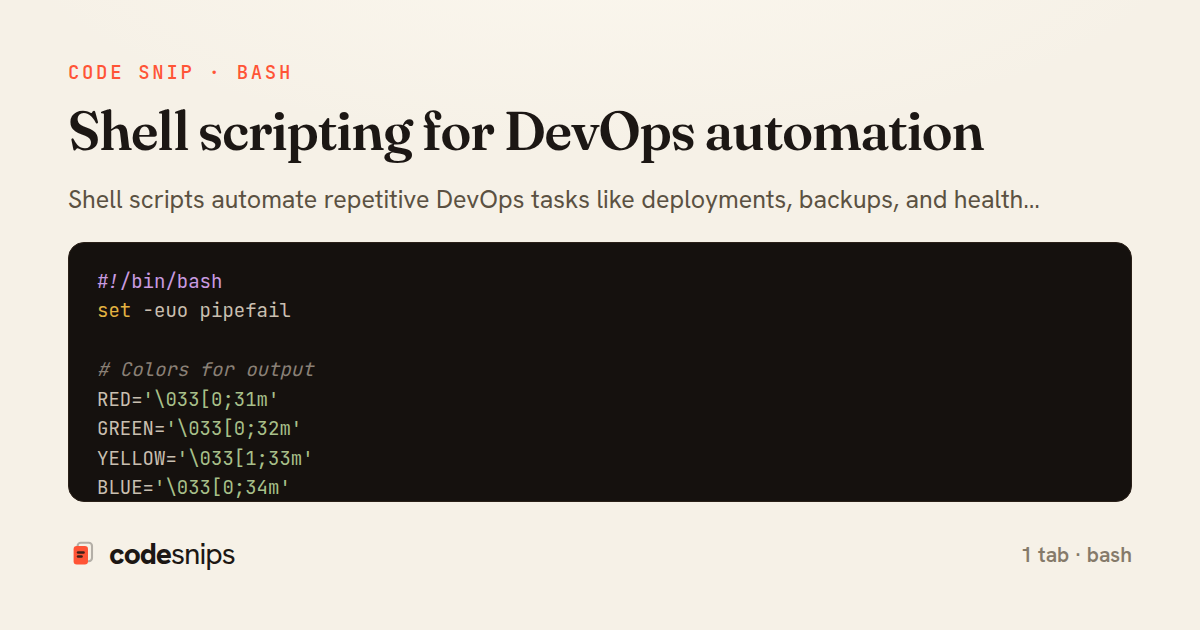
Shell scripts automate repetitive DevOps tasks like deployments, backups, and health checks. I use #!/bin/bash with set -euo pipefail for strict error handling—-e exits on error, -u errors on undefined variables, -o pipefail catches pipe failures. Functions organize reusable logic. trap handles cleanup on exit or signals. Color output with ANSI codes improves readability. getopts parses command-line arguments. Conditional execution with && and || chains commands. curl checks HTTP endpoints for health monitoring. jq processes JSON from APIs. Logging with timestamps aids debugging. mktemp creates safe temporary files. Scripts should be idempotent—safe to run multiple times without side effects.
Related snips
python
import os
import stat

for root, _dirs, files in os.walk('/etc'):
    for name in files:
        path = os.path.join(root, name)
Python security audit script for exposed risky filesystem state
python
auditing
host-security
by Kai Nakamura
1 tab
plaintext
Protocol 2
PermitRootLogin no
PasswordAuthentication no
KbdInteractiveAuthentication no
PubkeyAuthentication yes
AllowUsers deploy ops
SSH daemon hardening and key based access only
ssh
linux
hardening
by Kai Nakamura
1 tab
bash
#!/usr/bin/env bash
set -euo pipefail

find / -perm -4000 -type f 2>/dev/null | sort
sudo -l
find /etc/systemd/system -type f -writable 2>/dev/null
Linux privilege escalation checks for suspicious local state
privilege-escalation
linux
auditing
by Kai Nakamura
1 tab
javascript
// Express app with health checks and graceful shutdown
const express = require('express');
const { createServer } = require('http');

const app = express();
const server = createServer(app);
Container health checks and graceful shutdown patterns
docker
kubernetes
health-checks
by Ryan Nakamura
1 tab
javascript
// k6 Load Test Configuration
// Run: k6 run load-test.js --env BASE_URL=https://api.example.com

import http from 'k6/http';
import { check, sleep, group } from 'k6';
import { Rate, Trend, Counter } from 'k6/metrics';
Load testing APIs with k6 for performance validation
k6
load-testing
performance
by Ryan Nakamura
1 tab
hcl
# Using the module

module "api_service" {
  source = "./modules/ecs_service"

  service_name       = "api"
Terraform modules for reusable infrastructure
terraform
modules
iac
by Ryan Nakamura
2 tabs
Share this code
Here's the card — post it anywhere.