bash
112 lines · 1 tab
Ryan Nakamura
Feb 2026
1 tab
#!/bin/bash
# Linux system administration commands

# === Process Management ===
ps aux                                # All processes
ps aux | grep nginx                   # Find specific process
top -bn1 | head -20                   # Snapshot of top processes
htop                                  # Interactive process viewer

kill -SIGTERM 1234                    # Graceful stop
kill -SIGKILL 1234                    # Force kill
pkill -f "node server.js"             # Kill by name pattern

# === Systemd Services ===
systemctl status nginx                # Service status
systemctl start nginx                 # Start service
systemctl stop nginx                  # Stop service
systemctl restart nginx               # Restart service
systemctl reload nginx                # Reload config
systemctl enable nginx                # Enable on boot
systemctl disable nginx               # Disable on boot
systemctl list-units --type=service   # List all services

# === Logs (journalctl) ===
journalctl -u nginx                   # Service logs
journalctl -u nginx --since "1 hour ago"
journalctl -u nginx -f                # Follow logs
journalctl -p err                     # Error priority only
journalctl --disk-usage               # Log disk usage
journalctl --vacuum-size=500M         # Trim logs to 500MB

# === Disk & Storage ===
df -h                                 # Disk space usage
du -sh /var/log/*                     # Directory sizes
du -sh /var/log/* | sort -rh | head   # Largest directories
lsblk                                 # List block devices
mount                                 # List mounts
findmnt -t ext4                       # Find specific mounts

# Find large files
find / -type f -size +100M -exec ls -lh {} ;
# Find files modified in last 24h
find /var/log -mtime -1 -type f

# === Network ===
ss -tlnp                              # Listening TCP ports
ss -tunap                             # All connections
curl -v https://example.com           # HTTP debug
dig example.com                       # DNS lookup
dig +short example.com A              # Quick DNS
traceroute example.com                # Network path
mtr example.com                       # Better traceroute

# Check if port is open
nc -zv hostname 443
timeout 3 bash -c 'cat < /dev/null > /dev/tcp/hostname/443' && echo "Open"

# === Users & Permissions ===
useradd -m -s /bin/bash deploy        # Create user
usermod -aG sudo deploy               # Add to sudo group
passwd deploy                         # Set password

chmod 755 /opt/app                    # rwxr-xr-x
chmod 600 /etc/secrets.conf           # rw-------
chown -R deploy:deploy /opt/app       # Change ownership
setfacl -m u:deploy:rx /var/log/app   # ACL permissions

# === Performance Analysis ===
vmstat 1 5                            # Virtual memory stats
iostat -x 1 5                         # Disk I/O stats
sar -u 1 5                            # CPU history
sar -r 1 5                            # Memory history
free -h                               # Memory usage
uptime                                # Load averages
nproc                                 # CPU count

# === Cron Jobs ===
crontab -l                            # List cron jobs
crontab -e                            # Edit cron jobs

# Cron format: minute hour day month weekday command
# 0 2 * * * /opt/scripts/backup.sh    # Daily at 2 AM
# */5 * * * * /opt/scripts/health.sh   # Every 5 minutes
# 0 0 * * 0 /opt/scripts/weekly.sh     # Weekly on Sunday

# === Firewall (UFW) ===
ufw status verbose                    # Show rules
ufw allow 22/tcp                      # Allow SSH
ufw allow from 10.0.0.0/8 to any port 5432  # Allow DB from VPN
ufw deny 23                           # Block telnet
ufw enable                            # Enable firewall

# === Kernel Tuning ===
sysctl -a | grep net.core             # View settings
# /etc/sysctl.d/99-custom.conf
# net.core.somaxconn = 65535
# net.ipv4.tcp_max_syn_backlog = 65535
# vm.swappiness = 10
# fs.file-max = 2097152
sysctl -p /etc/sysctl.d/99-custom.conf  # Apply

# === Quick Diagnostics ===
# Check why a service failed
systemctl status myapp
journalctl -u myapp --no-pager -n 50

# Check resource usage
free -h && echo "---" && df -h / && echo "---" && uptime

# Check open file limits
ulimit -n                             # Current limit
cat /proc/sys/fs/file-nr              # System-wide file usage
1 file · bash
Explain with highlit
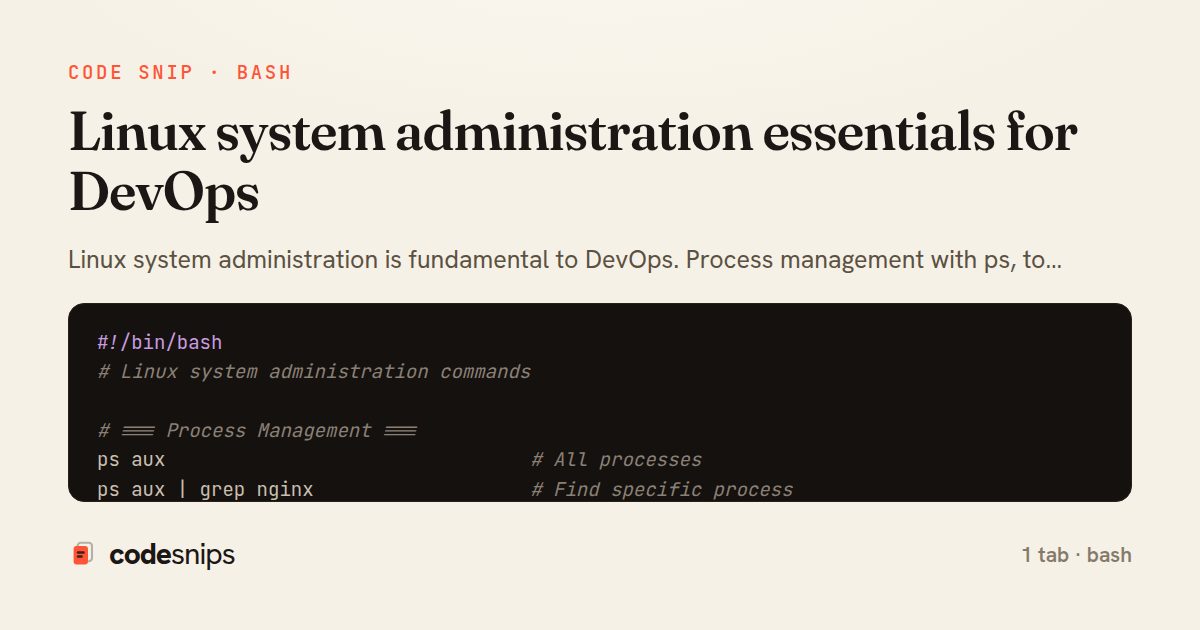
Linux system administration is fundamental to DevOps. Process management with ps, top, htop monitors system activity. systemctl manages systemd services—start, stop, enable, disable. Disk management with df, du, lsblk, mount handles storage. journalctl reads systemd logs with powerful filtering. Network troubleshooting uses ss, netstat, curl, dig, traceroute. User management with useradd, usermod, chmod, chown controls access. crontab schedules recurring tasks. iptables or nftables configure firewalls. sysctl tunes kernel parameters. Performance analysis with vmstat, iostat, sar identifies bottlenecks. Understanding these tools enables effective server management and troubleshooting production issues.
Related snips
python
import os
import stat

for root, _dirs, files in os.walk('/etc'):
    for name in files:
        path = os.path.join(root, name)
Python security audit script for exposed risky filesystem state
python
auditing
host-security
by Kai Nakamura
1 tab
plaintext
Protocol 2
PermitRootLogin no
PasswordAuthentication no
KbdInteractiveAuthentication no
PubkeyAuthentication yes
AllowUsers deploy ops
SSH daemon hardening and key based access only
ssh
linux
hardening
by Kai Nakamura
1 tab
bash
#!/usr/bin/env bash
set -euo pipefail

find / -perm -4000 -type f 2>/dev/null | sort
sudo -l
find /etc/systemd/system -type f -writable 2>/dev/null
Linux privilege escalation checks for suspicious local state
privilege-escalation
linux
auditing
by Kai Nakamura
1 tab
javascript
// Express app with health checks and graceful shutdown
const express = require('express');
const { createServer } = require('http');

const app = express();
const server = createServer(app);
Container health checks and graceful shutdown patterns
docker
kubernetes
health-checks
by Ryan Nakamura
1 tab
javascript
// k6 Load Test Configuration
// Run: k6 run load-test.js --env BASE_URL=https://api.example.com

import http from 'k6/http';
import { check, sleep, group } from 'k6';
import { Rate, Trend, Counter } from 'k6/metrics';
Load testing APIs with k6 for performance validation
k6
load-testing
performance
by Ryan Nakamura
1 tab
hcl
# Using the module

module "api_service" {
  source = "./modules/ecs_service"

  service_name       = "api"
Terraform modules for reusable infrastructure
terraform
modules
iac
by Ryan Nakamura
2 tabs
Share this code
Here's the card — post it anywhere.