hcl
175 lines · 1 tab
Ryan Nakamura
Feb 2026
1 tab
# AWS Lambda Function with API Gateway trigger

# === Lambda function ===
resource "aws_lambda_function" "api_handler" {
  function_name = "${var.project}-api-handler"
  description   = "API request handler for ${var.project}"
  runtime       = "python3.12"
  handler       = "handler.lambda_handler"
  timeout       = 30
  memory_size   = 256

  filename         = data.archive_file.lambda_zip.output_path
  source_code_hash = data.archive_file.lambda_zip.output_base64sha256

  role = aws_iam_role.lambda_exec.arn

  environment {
    variables = {
      ENVIRONMENT    = var.environment
      DATABASE_URL   = var.database_url
      LOG_LEVEL      = "INFO"
      CORS_ORIGINS   = "https://myapp.example.com"
    }
  }

  vpc_config {
    subnet_ids         = var.private_subnet_ids
    security_group_ids = [aws_security_group.lambda.id]
  }

  tracing_config {
    mode = "Active"   # Enable X-Ray tracing
  }

  dead_letter_config {
    target_arn = aws_sqs_queue.lambda_dlq.arn
  }

  tags = {
    Environment = var.environment
    Service     = "api"
  }
}

# === Package the Lambda code ===
data "archive_file" "lambda_zip" {
  type        = "zip"
  source_dir  = "${path.module}/src"
  output_path = "${path.module}/dist/lambda.zip"
}

# === IAM Role ===
resource "aws_iam_role" "lambda_exec" {
  name = "${var.project}-lambda-exec"

  assume_role_policy = jsonencode({
    Version = "2012-10-17"
    Statement = [{
      Action = "sts:AssumeRole"
      Effect = "Allow"
      Principal = {
        Service = "lambda.amazonaws.com"
      }
    }]
  })
}

resource "aws_iam_role_policy_attachment" "lambda_basic" {
  role       = aws_iam_role.lambda_exec.name
  policy_arn = "arn:aws:iam::aws:policy/service-role/AWSLambdaVPCAccessExecutionRole"
}

resource "aws_iam_role_policy" "lambda_custom" {
  name = "${var.project}-lambda-custom"
  role = aws_iam_role.lambda_exec.id

  policy = jsonencode({
    Version = "2012-10-17"
    Statement = [
      {
        Effect = "Allow"
        Action = [
          "dynamodb:GetItem",
          "dynamodb:PutItem",
          "dynamodb:Query",
        ]
        Resource = var.dynamodb_table_arn
      },
      {
        Effect = "Allow"
        Action = ["sqs:SendMessage"]
        Resource = aws_sqs_queue.lambda_dlq.arn
      }
    ]
  })
}

# === API Gateway v2 (HTTP API) ===
resource "aws_apigatewayv2_api" "main" {
  name          = "${var.project}-api"
  protocol_type = "HTTP"

  cors_configuration {
    allow_origins = ["https://myapp.example.com"]
    allow_methods = ["GET", "POST", "PUT", "DELETE", "OPTIONS"]
    allow_headers = ["Authorization", "Content-Type"]
    max_age       = 3600
  }
}

resource "aws_apigatewayv2_stage" "default" {
  api_id      = aws_apigatewayv2_api.main.id
  name        = "$default"
  auto_deploy = true

  access_log_settings {
    destination_arn = aws_cloudwatch_log_group.api_gateway.arn
    format = jsonencode({
      requestId      = "$context.requestId"
      ip             = "$context.identity.sourceIp"
      method         = "$context.httpMethod"
      path           = "$context.path"
      status         = "$context.status"
      responseLength = "$context.responseLength"
      latency        = "$context.responseLatency"
    })
  }
}

resource "aws_apigatewayv2_integration" "lambda" {
  api_id                 = aws_apigatewayv2_api.main.id
  integration_type       = "AWS_PROXY"
  integration_uri        = aws_lambda_function.api_handler.invoke_arn
  payload_format_version = "2.0"
}

resource "aws_apigatewayv2_route" "default" {
  api_id    = aws_apigatewayv2_api.main.id
  route_key = "$default"
  target    = "integrations/${aws_apigatewayv2_integration.lambda.id}"
}

resource "aws_lambda_permission" "api_gateway" {
  statement_id  = "AllowAPIGateway"
  action        = "lambda:InvokeFunction"
  function_name = aws_lambda_function.api_handler.function_name
  principal     = "apigateway.amazonaws.com"
  source_arn    = "${aws_apigatewayv2_api.main.execution_arn}/*/*"
}

# === CloudWatch Logs ===
resource "aws_cloudwatch_log_group" "lambda" {
  name              = "/aws/lambda/${aws_lambda_function.api_handler.function_name}"
  retention_in_days = 14
}

resource "aws_cloudwatch_log_group" "api_gateway" {
  name              = "/aws/apigateway/${var.project}"
  retention_in_days = 14
}

# === Dead Letter Queue ===
resource "aws_sqs_queue" "lambda_dlq" {
  name                      = "${var.project}-lambda-dlq"
  message_retention_seconds = 1209600  # 14 days
}

# === Outputs ===
output "api_endpoint" {
  value = aws_apigatewayv2_api.main.api_endpoint
}

output "function_name" {
  value = aws_lambda_function.api_handler.function_name
}
1 file · hcl
Explain with highlit
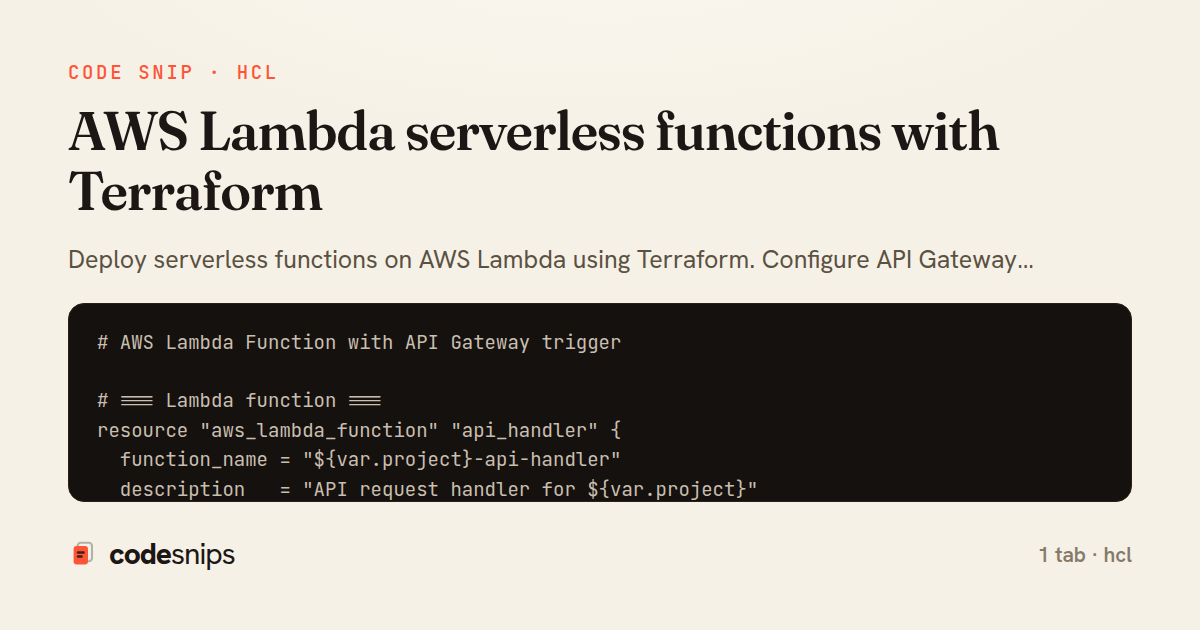
Deploy serverless functions on AWS Lambda using Terraform. Configure API Gateway integration, CloudWatch logging, environment variables, and IAM roles. Package Python or Node.js handlers with dependencies, set up event triggers, and manage function versioning with aliases.
Related snips
json
{
  "Version": "2012-10-17",
  "Statement": [
    {
      "Effect": "Allow",
      "Action": ["s3:GetObject"],
Least privilege IAM policy for an application on AWS
aws
iam
least-privilege
by Kai Nakamura
1 tab
go
package files

import (
  "context"
  "time"
Presigned S3 upload URLs (AWS SDK v2)
go
aws
s3
by Leah Thompson
1 tab
json
{
  "Version": "2012-10-17",
  "Statement": [
    {
      "Sid": "DenyInsecureTransport",
      "Effect": "Deny",
S3 bucket policy that enforces TLS and blocks public reads
s3
aws
tls
by Kai Nakamura
1 tab
hcl
# RDS PostgreSQL instance
resource "aws_db_instance" "main" {
  identifier = "${var.project_name}-db"

  engine         = "postgres"
  engine_version = "16.1"
Terraform AWS RDS and ElastiCache provisioning
terraform
aws
rds
by Ryan Nakamura
1 tab
hcl
# Using the module

module "api_service" {
  source = "./modules/ecs_service"

  service_name       = "api"
Terraform modules for reusable infrastructure
terraform
modules
iac
by Ryan Nakamura
2 tabs
hcl
# AWS VPC with public/private subnets across 3 AZs

data "aws_availability_zones" "available" {
  state = "available"
}
AWS VPC and networking with Terraform
aws
vpc
terraform
by Ryan Nakamura
1 tab
Share this code
Here's the card — post it anywhere.