Sarah Chen
Jan 2026
2 tabs
import { Controller } from "@hotwired/stimulus"

export default class extends Controller {
  static targets = ["source"]

  async copy() {
    const text = this.sourceTarget.value || this.sourceTarget.textContent

    try {
      await navigator.clipboard.writeText(text)
    } catch (_) {
      const range = document.createRange()
      range.selectNodeContents(this.sourceTarget)
      const sel = window.getSelection()
      sel.removeAllRanges()
      sel.addRange(range)
      document.execCommand("copy")
      sel.removeAllRanges()
    }

    this.element.dispatchEvent(new CustomEvent("clipboard:copied", { bubbles: true }))
  }
}
<div data-controller="clipboard" data-action="clipboard:copied->toast#show">
  <pre data-clipboard-target="source"><%= @snip.code_blocks.first.code %></pre>
  <button type="button" data-action="clipboard#copy">Copy</button>
</div>
2 files · javascript, erb
Explain with highlit
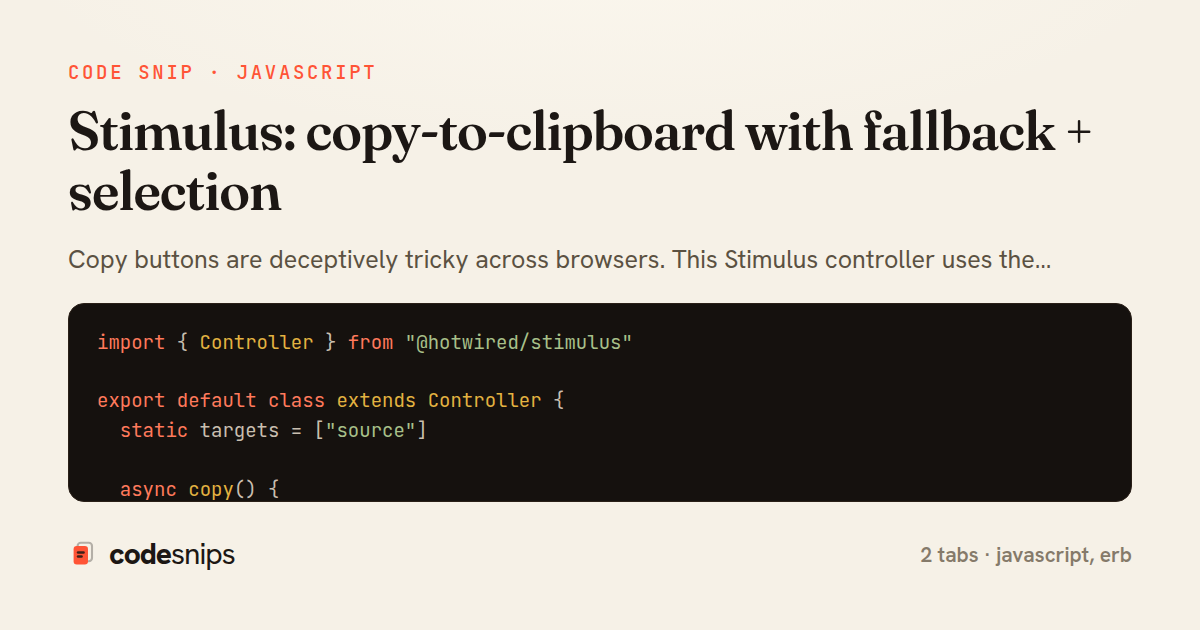
Copy buttons are deceptively tricky across browsers. This Stimulus controller uses the Clipboard API when available, falls back to execCommand, and provides a hook for “Copied!” UI.
Related snips
ruby
class CommentsController < ApplicationController
  before_action :set_post

  def create
    @comment = @post.comments.build(comment_params)
System test: asserting Turbo Stream responses
rails
hotwire
turbo
by codesnips
4 tabs
ruby
class Post < ApplicationRecord
  belongs_to :author, class_name: 'User'
  has_many :comments, dependent: :destroy

  scope :published, -> { where.not(published_at: nil).where('published_at <= ?', Time.current) }
  scope :draft, -> { where(published_at: nil) }
ActiveRecord scopes for reusable query logic
rails
activerecord
patterns
by Alex Kumar
1 tab
ruby
module Api
  module V1
    class UsersController < BaseController
      def show
        user = User.includes(:profile).find(params[:id])
ETags for conditional requests and caching
rails
caching
http-caching
by Alex Kumar
1 tab
ruby
class PostsController < ApplicationController
  def index
    @posts = Post.includes(:author)
                 .order(created_at: :desc)
                 .page(params[:page])
                 .per(10)
Turbo Frames: infinite scroll with lazy-loading frame
rails
turbo
hotwire
by codesnips
4 tabs
ruby
require "csv"

class PeopleCsvStream
  include Enumerable

  HEADERS = %w[id full_name email signed_up_at plan].freeze
Resilient CSV Export as a Streamed Response
rails
performance
streaming
by codesnips
3 tabs
erb
<form data-controller="query-sync" data-action="change->query-sync#apply">
  <select name="status" class="rounded border p-2">
    <option value="">Any</option>
    <option value="open">Open</option>
    <option value="closed">Closed</option>
  </select>
Filter UI that syncs query params via Stimulus (no front-end router)
rails
hotwire
stimulus
by Henry Kim
2 tabs
Share this code
Here's the card — post it anywhere.