python
15 lines · 1 tab
Dr. Elena Vasquez
Apr 2026
1 tab
import cv2

image = cv2.imread('receipt.jpg')
gray = cv2.cvtColor(image, cv2.COLOR_BGR2GRAY)
blurred = cv2.GaussianBlur(gray, (5, 5), 0)
thresholded = cv2.adaptiveThreshold(
    blurred,
    255,
    cv2.ADAPTIVE_THRESH_GAUSSIAN_C,
    cv2.THRESH_BINARY,
    11,
    2,
)

cv2.imwrite('receipt_processed.png', thresholded)
1 file · python
Explain with highlit
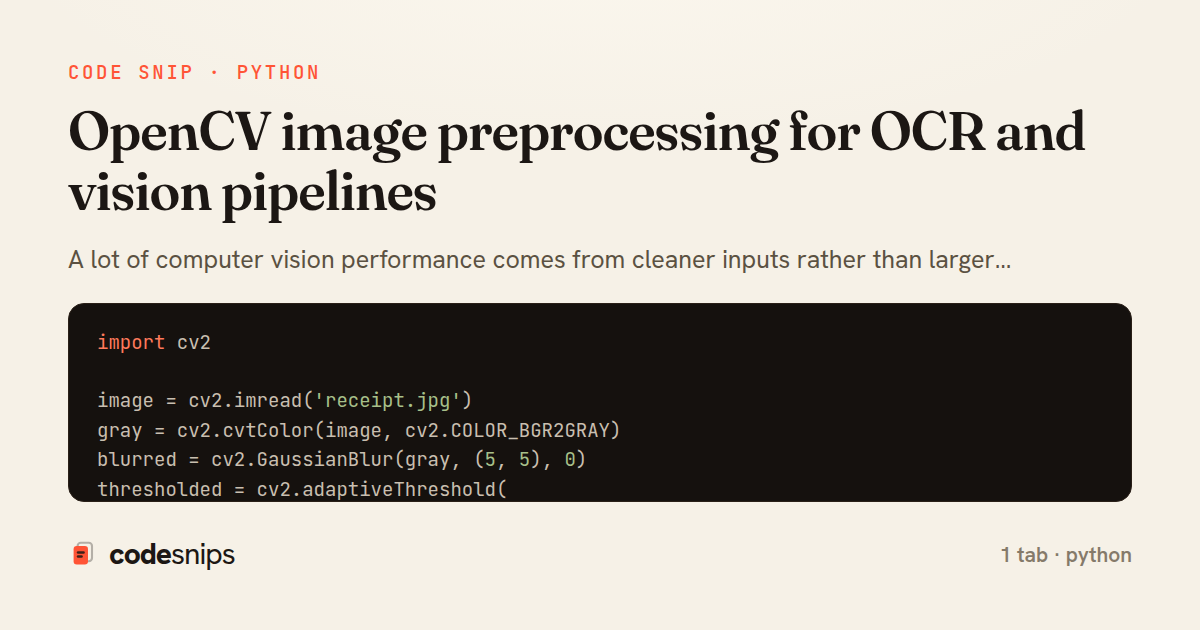
A lot of computer vision performance comes from cleaner inputs rather than larger models. I use OpenCV for resizing, denoising, thresholding, and contour extraction when preparing images for OCR or downstream classification. These classical steps often save compute and improve stability.
Related snips
python
import pandas as pd

df = pd.read_csv('customers.csv')

df.columns = df.columns.str.strip().str.lower().str.replace(' ', '_', regex=False)
Cleaning missing values and normalizing messy CSV exports
pandas
data-cleaning
missing-values
by Dr. Elena Vasquez
1 tab
python
import torch.nn as nn

class SmallCNN(nn.Module):
    def __init__(self, num_classes: int) -> None:
        super().__init__()
        self.features = nn.Sequential(
Convolutional neural networks for image classification in PyTorch
pytorch
cnn
computer-vision
by Dr. Elena Vasquez
1 tab
python
import pandas as pd
from sklearn.compose import ColumnTransformer
from sklearn.impute import SimpleImputer
from sklearn.pipeline import Pipeline
from sklearn.preprocessing import OneHotEncoder, StandardScaler
Encoding categorical variables without creating leakage
categorical-encoding
preprocessing
scikit-learn
by Dr. Elena Vasquez
1 tab
javascript
const sharp = require('sharp');

const DEFAULTS = {
  maxWidth: 1600,
  maxHeight: 1600,
  format: 'webp',
Resize and Compress Uploaded Images with Sharp Before Saving to Disk
nodejs
express
sharp
by codesnips
3 tabs
python
from sklearn.compose import ColumnTransformer
from sklearn.feature_extraction.text import TfidfVectorizer
from sklearn.impute import SimpleImputer
from sklearn.pipeline import Pipeline
from sklearn.preprocessing import OneHotEncoder, StandardScaler
from sklearn.ensemble import RandomForestClassifier
ColumnTransformer pipelines that keep preprocessing honest
scikit-learn
pipelines
columntransformer
by Dr. Elena Vasquez
1 tab
typescript
import sharp from 'sharp';

export interface Variant {
  name: string;
  width: number;
  quality: number;
Generate WebP Image Thumbnails on Upload with Sharp and Express
express
sharp
image-processing
by codesnips
3 tabs
Share this code
Here's the card — post it anywhere.