swift
85 lines · 2 tabs
Sofia Martinez
Jan 2026
2 tabs
import SwiftUI

enum Route: Hashable {
    case postDetail(id: Int)
    case userProfile(id: Int)
    case settings
    case editPost(id: Int)
}

@MainActor
class Router: ObservableObject {
    @Published var path = NavigationPath()

    func navigate(to route: Route) {
        path.append(route)
    }

    func navigateBack() {
        path.removeLast()
    }

    func navigateToRoot() {
        path.removeLast(path.count)
    }

    func replace(with route: Route) {
        path.removeLast()
        path.append(route)
    }
}
import SwiftUI

struct ContentView: View {
    @StateObject private var router = Router()

    var body: some View {
        NavigationStack(path: $router.path) {
            PostsListView()
                .navigationDestination(for: Route.self) { route in
                    destinationView(for: route)
                }
        }
        .environmentObject(router)
    }

    @ViewBuilder
    private func destinationView(for route: Route) -> some View {
        switch route {
        case .postDetail(let id):
            PostDetailView(postId: id)
        case .userProfile(let id):
            UserProfileView(userId: id)
        case .settings:
            SettingsView()
        case .editPost(let id):
            EditPostView(postId: id)
        }
    }
}

// Usage in child views
struct PostsListView: View {
    @EnvironmentObject private var router: Router
    @StateObject private var viewModel = PostsListViewModel()

    var body: some View {
        List(viewModel.posts) { post in
            Button {
                router.navigate(to: .postDetail(id: post.id))
            } label: {
                PostRowView(post: post)
            }
        }
        .navigationTitle("Posts")
        .toolbar {
            ToolbarItem(placement: .navigationBarTrailing) {
                Button {
                    router.navigate(to: .settings)
                } label: {
                    Image(systemName: "gearshape")
                }
            }
        }
    }
}
2 files · swift
Explain with highlit
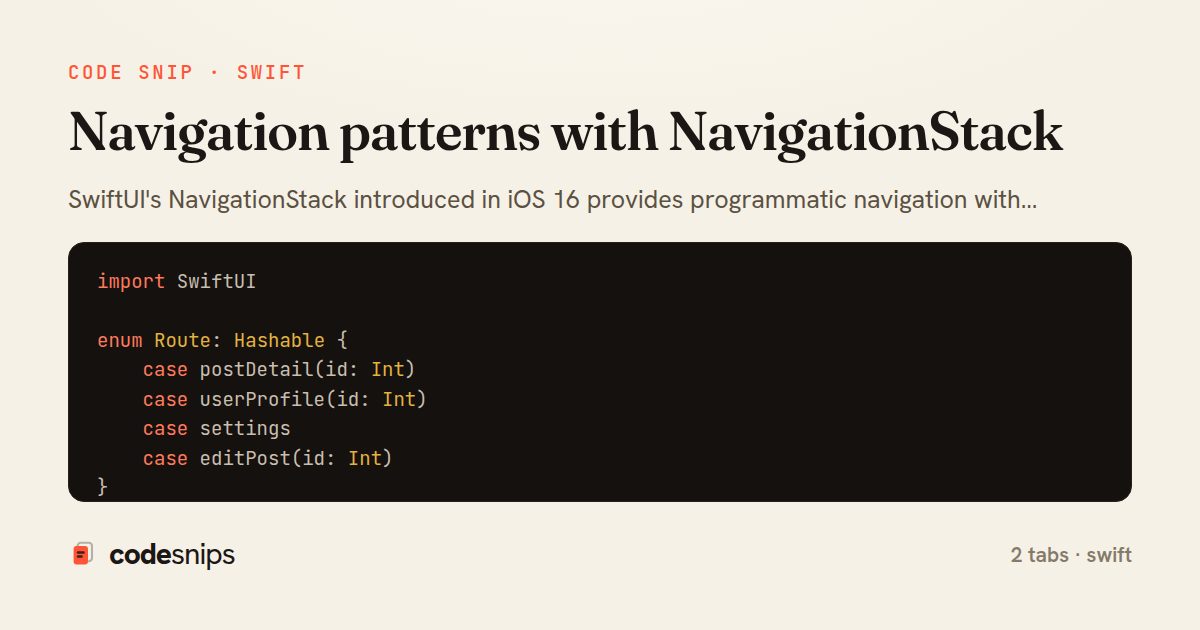
SwiftUI's NavigationStack introduced in iOS 16 provides programmatic navigation with type-safe paths. I use NavigationPath to manage navigation state, enabling deep linking and state restoration. The navigationDestination modifier maps path values to destination views. For complex navigation, I create a Router class that owns the NavigationPath and exposes methods to push/pop. This centralizes navigation logic and makes it testable. Tab-based apps combine TabView with NavigationStack per tab. For backwards compatibility with iOS 15, I use NavigationView with isActive bindings, though NavigationStack is preferred for iOS 16+.
Related snips
swift
import Combine
import Foundation

class SearchViewModel: ObservableObject {
    @Published var searchQuery = ""
    @Published var results: [SearchResult] = []
Combine operators for data transformation
swift
combine
reactive
by Sofia Martinez
1 tab
swift
import SwiftUI

struct ContentView: View {
    @State private var username = ""
    @State private var isLoggedIn = false
    @StateObject private var viewModel = LoginViewModel()
SwiftUI declarative UI with state management
swift
swiftui
ios
by Sofia Martinez
2 tabs
erb
<nav class="site-nav" data-controller="preload">
  <ul>
    <li>
      <%= link_to "Dashboard", dashboard_path,
            class: "nav-link",
            data: { turbo_preload: true } %>
Speed up perceived performance with Turbo preload links
rails
hotwire
turbo
by codesnips
3 tabs
swift
import SwiftUI

struct CardModifier: ViewModifier {
    var backgroundColor: Color = .white
    var cornerRadius: CGFloat = 12
    var shadowRadius: CGFloat = 5
Custom SwiftUI view modifiers for reusability
swift
swiftui
ios
by Sofia Martinez
2 tabs
swift
import Foundation
import UIKit

class ImageProcessor {
    // Background processing with main thread updates
    func processImage(_ image: UIImage, completion: @escaping (UIImage?) -> Void) {
Grand Central Dispatch for concurrency
swift
gcd
concurrency
by Sofia Martinez
1 tab
swift
import UIKit
import WebKit

class WebViewController: UIViewController {
    private var webView: WKWebView!
    private var progressView: UIProgressView!
WKWebView for web content display
swift
wkwebview
webkit
by Sofia Martinez
1 tab
Share this code
Here's the card — post it anywhere.