swift
80 lines · 2 tabs
Sofia Martinez
Jan 2026
2 tabs
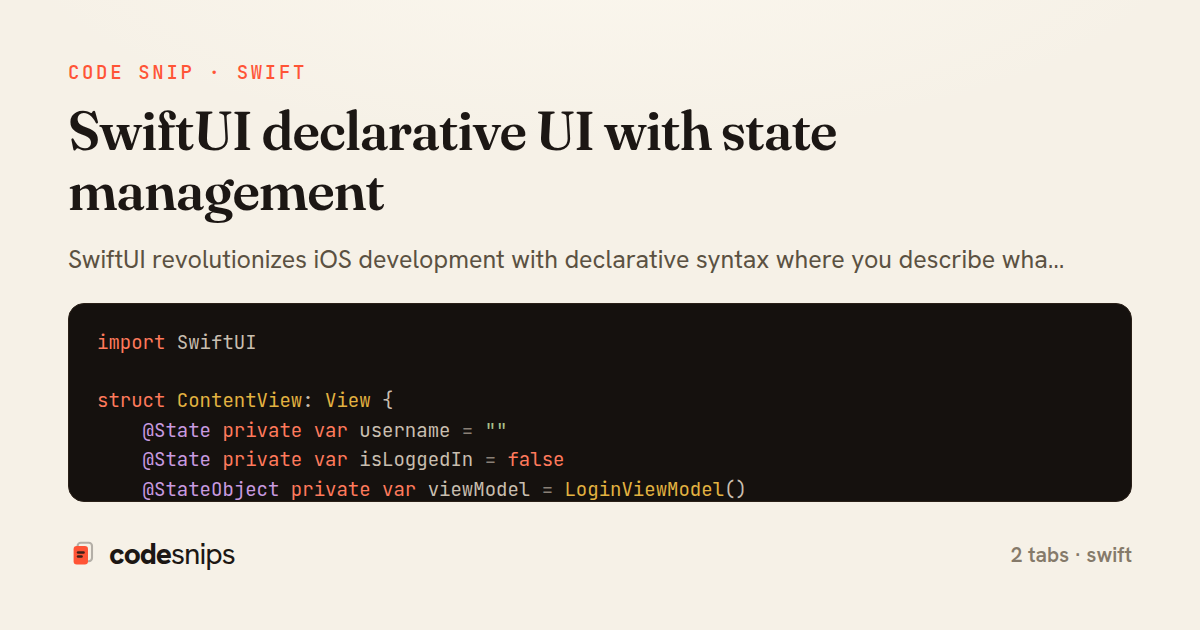
import SwiftUI

struct ContentView: View {
    @State private var username = ""
    @State private var isLoggedIn = false
    @StateObject private var viewModel = LoginViewModel()

    var body: some View {
        if isLoggedIn {
            HomeView(username: username)
        } else {
            LoginForm(
                username: $username,
                isLoggedIn: $isLoggedIn,
                viewModel: viewModel
            )
        }
    }
}

struct LoginForm: View {
    @Binding var username: String
    @Binding var isLoggedIn: Bool
    @ObservedObject var viewModel: LoginViewModel

    var body: some View {
        VStack(spacing: 20) {
            TextField("Username", text: $username)
                .textFieldStyle(RoundedBorderTextFieldStyle())
                .autocapitalization(.none)

            SecureField("Password", text: $viewModel.password)
                .textFieldStyle(RoundedBorderTextFieldStyle())

            Button("Login") {
                viewModel.login(username: username) { success in
                    isLoggedIn = success
                }
            }
            .disabled(username.isEmpty || viewModel.password.isEmpty)

            if viewModel.isLoading {
                ProgressView()
            }

            if let error = viewModel.errorMessage {
                Text(error)
                    .foregroundColor(.red)
                    .font(.caption)
            }
        }
        .padding()
    }
}
import Foundation
import Combine

class LoginViewModel: ObservableObject {
    @Published var password = ""
    @Published var isLoading = false
    @Published var errorMessage: String?

    private var cancellables = Set<AnyCancellable>()

    func login(username: String, completion: @escaping (Bool) -> Void) {
        isLoading = true
        errorMessage = nil

        // Simulate API call
        DispatchQueue.main.asyncAfter(deadline: .now() + 1) {
            self.isLoading = false
            if username.isEmpty || self.password.isEmpty {
                self.errorMessage = "Invalid credentials"
                completion(false)
            } else {
                completion(true)
            }
        }
    }
}
2 files · swift
Explain with highlit
SwiftUI revolutionizes iOS development with declarative syntax where you describe what the UI should look like based on state. Views automatically update when state changes using property wrappers like @State, @Binding, and @ObservedObject. The @State wrapper creates source of truth for simple value types, while @Binding creates two-way connections to pass state down the view hierarchy. For complex state shared across views, I use ObservableObject with @Published properties. SwiftUI's runtime efficiently diffs and updates only what changed, eliminating manual UI updates. This reactive approach reduces bugs and makes UI code more predictable and testable.
Related snips
swift
import Combine
import Foundation

class SearchViewModel: ObservableObject {
    @Published var searchQuery = ""
    @Published var results: [SearchResult] = []
Combine operators for data transformation
swift
combine
reactive
by Sofia Martinez
1 tab
typescript
import { create } from 'zustand'
import { persist } from 'zustand/middleware'

interface FilterState {
  search: string
  category: string | null
Zustand for lightweight state management
react
zustand
state-management
by Maya Patel
2 tabs
swift
import SwiftUI

struct CardModifier: ViewModifier {
    var backgroundColor: Color = .white
    var cornerRadius: CGFloat = 12
    var shadowRadius: CGFloat = 5
Custom SwiftUI view modifiers for reusability
swift
swiftui
ios
by Sofia Martinez
2 tabs
swift
import Foundation
import UIKit

class ImageProcessor {
    // Background processing with main thread updates
    func processImage(_ image: UIImage, completion: @escaping (UIImage?) -> Void) {
Grand Central Dispatch for concurrency
swift
gcd
concurrency
by Sofia Martinez
1 tab
swift
import SwiftUI

enum Route: Hashable {
    case postDetail(id: Int)
    case userProfile(id: Int)
    case settings
Navigation patterns with NavigationStack
swift
swiftui
navigation
by Sofia Martinez
2 tabs
css
/* Interactive pseudo-classes */
a:link { color: blue; }
a:visited { color: purple; }
a:hover { text-decoration: underline; }
a:active { color: red; }
a:focus { outline: 2px solid orange; }
CSS pseudo-classes and pseudo-elements for advanced styling
css
pseudo-classes
pseudo-elements
by Alex Chang
2 tabs
Share this code
Here's the card — post it anywhere.