kotlin
165 lines · 2 tabs
Alex Chen
Jan 2026
2 tabs
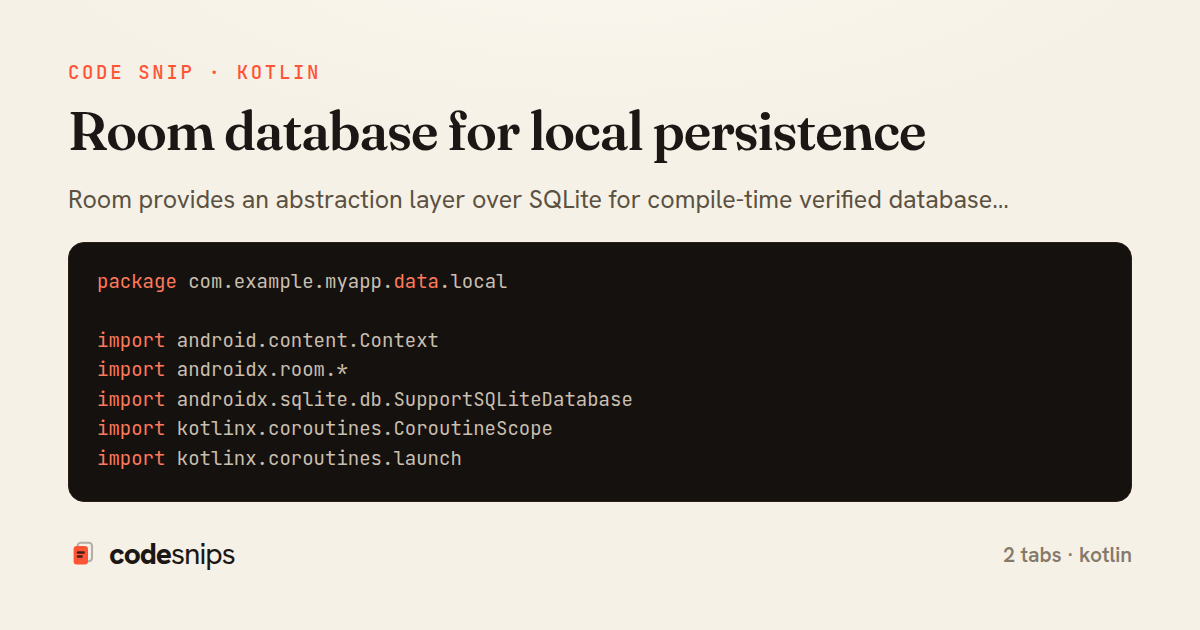
package com.example.myapp.data.local

import android.content.Context
import androidx.room.*
import androidx.sqlite.db.SupportSQLiteDatabase
import kotlinx.coroutines.CoroutineScope
import kotlinx.coroutines.launch

@Database(
    entities = [PostEntity::class, CommentEntity::class],
    version = 2,
    exportSchema = true
)
@TypeConverters(Converters::class)
abstract class AppDatabase : RoomDatabase() {
    abstract fun postDao(): PostDao
    abstract fun commentDao(): CommentDao

    companion object {
        @Volatile
        private var INSTANCE: AppDatabase? = null

        fun getDatabase(
            context: Context,
            scope: CoroutineScope
        ): AppDatabase {
            return INSTANCE ?: synchronized(this) {
                val instance = Room.databaseBuilder(
                    context.applicationContext,
                    AppDatabase::class.java,
                    "app_database"
                )
                    .addMigrations(MIGRATION_1_2)
                    .addCallback(DatabaseCallback(scope))
                    .build()
                INSTANCE = instance
                instance
            }
        }

        private val MIGRATION_1_2 = object : Migration(1, 2) {
            override fun migrate(database: SupportSQLiteDatabase) {
                database.execSQL(
                    "ALTER TABLE posts ADD COLUMN is_liked INTEGER NOT NULL DEFAULT 0"
                )
            }
        }
    }

    private class DatabaseCallback(
        private val scope: CoroutineScope
    ) : RoomDatabase.Callback() {
        override fun onCreate(db: SupportSQLiteDatabase) {
            super.onCreate(db)
            INSTANCE?.let { database ->
                scope.launch {
                    populateDatabase(database.postDao())
                }
            }
        }

        suspend fun populateDatabase(postDao: PostDao) {
            // Prepopulate with sample data
            val samplePost = PostEntity(
                id = 1,
                title = "Welcome Post",
                body = "Welcome to the app!",
                authorId = 1,
                createdAt = System.currentTimeMillis()
            )
            postDao.insert(samplePost)
        }
    }
}

class Converters {
    @TypeConverter
    fun fromTimestamp(value: Long?): java.util.Date? {
        return value?.let { java.util.Date(it) }
    }

    @TypeConverter
    fun dateToTimestamp(date: java.util.Date?): Long? {
        return date?.time
    }
}
package com.example.myapp.data.local

import androidx.room.*
import kotlinx.coroutines.flow.Flow

@Entity(
    tableName = "posts",
    indices = [Index(value = ["author_id"])]
)
data class PostEntity(
    @PrimaryKey val id: Int,
    val title: String,
    val body: String,
    @ColumnInfo(name = "author_id") val authorId: Int,
    @ColumnInfo(name = "created_at") val createdAt: Long,
    @ColumnInfo(name = "likes_count") val likesCount: Int = 0,
    @ColumnInfo(name = "is_liked") val isLiked: Boolean = false
)

@Entity(tableName = "comments")
data class CommentEntity(
    @PrimaryKey val id: Int,
    @ColumnInfo(name = "post_id") val postId: Int,
    val content: String,
    @ColumnInfo(name = "author_name") val authorName: String,
    @ColumnInfo(name = "created_at") val createdAt: Long
)

data class PostWithComments(
    @Embedded val post: PostEntity,
    @Relation(
        parentColumn = "id",
        entityColumn = "post_id"
    )
    val comments: List<CommentEntity>
)

@Dao
interface PostDao {
    @Query("SELECT * FROM posts ORDER BY created_at DESC")
    fun observePosts(): Flow<List<PostEntity>>

    @Query("SELECT * FROM posts WHERE id = :postId")
    suspend fun getPost(postId: Int): PostEntity?

    @Transaction
    @Query("SELECT * FROM posts WHERE id = :postId")
    suspend fun getPostWithComments(postId: Int): PostWithComments?

    @Insert(onConflict = OnConflictStrategy.REPLACE)
    suspend fun insert(post: PostEntity)

    @Insert(onConflict = OnConflictStrategy.REPLACE)
    suspend fun insertAll(posts: List<PostEntity>)

    @Update
    suspend fun update(post: PostEntity)

    @Delete
    suspend fun delete(post: PostEntity)

    @Query("DELETE FROM posts")
    suspend fun deleteAll()

    @Query("SELECT * FROM posts WHERE title LIKE '%' || :query || '%' OR body LIKE '%' || :query || '%'")
    fun searchPosts(query: String): Flow<List<PostEntity>>
}

@Dao
interface CommentDao {
    @Query("SELECT * FROM comments WHERE post_id = :postId ORDER BY created_at DESC")
    fun observeComments(postId: Int): Flow<List<CommentEntity>>

    @Insert(onConflict = OnConflictStrategy.REPLACE)
    suspend fun insert(comment: CommentEntity)

    @Query("DELETE FROM comments WHERE post_id = :postId")
    suspend fun deleteCommentsForPost(postId: Int)
}
2 files · kotlin
Explain with highlit
Room provides an abstraction layer over SQLite for compile-time verified database access. I define entities with @Entity annotation, specifying table structure and relationships. DAOs (Data Access Objects) marked with @Dao contain query methods using @Query, @Insert, @Update, and @Delete. Room generates implementation at compile time. The @Database annotation creates the database instance. Migrations handle schema changes safely. Room works seamlessly with coroutines and Flow for reactive queries. Type converters handle complex types like Date or List. Foreign keys enforce relationships. Prepopulating databases uses createFromAsset(). Room's compile-time verification catches SQL errors before runtime.
Related snips
kotlin
package com.example.myapp

import android.app.Application
import dagger.hilt.android.HiltAndroidApp

@HiltAndroidApp
Dependency injection with Hilt
kotlin
android
hilt
by Alex Chen
3 tabs
ruby
# Vulnerable: user input is concatenated directly into SQL.
email = params[:email]
password = params[:password]

sql = "SELECT * FROM users WHERE email = '#{email}' AND password_hash = '#{password}'"
user = ActiveRecord::Base.connection.execute(sql).first
SQL injection prevention with unsafe and safe query patterns
sql-injection
owasp
database
by Kai Nakamura
3 tabs
kotlin
package com.example.myapp.ui

import androidx.lifecycle.*
import kotlinx.coroutines.launch

class UserViewModel(
LiveData transformations and mediators
kotlin
android
livedata
by Alex Chen
1 tab
sql
-- EXPLAIN ANALYZE (actual execution statistics)
EXPLAIN ANALYZE
SELECT u.username, COUNT(o.id) AS order_count
FROM users u
LEFT JOIN orders o ON u.id = o.user_id
WHERE u.created_at >= '2024-01-01'
Advanced query optimization techniques
database
optimization
query-performance
by Maria Garcia
2 tabs
python
from django.db.models import Count, Avg, Sum, Q, F
from django.views.generic import TemplateView
from products.models import Product, Order, OrderItem


class DashboardView(TemplateView):
Django aggregation with annotate for statistics
django
python
database
by Priya Sharma
1 tab
kotlin
package com.example.myapp.utils

import android.os.Build
import android.os.StrictMode
import android.os.Trace
import timber.log.Timber
Performance optimization and profiling
kotlin
android
performance
by Alex Chen
2 tabs
Share this code
Here's the card — post it anywhere.