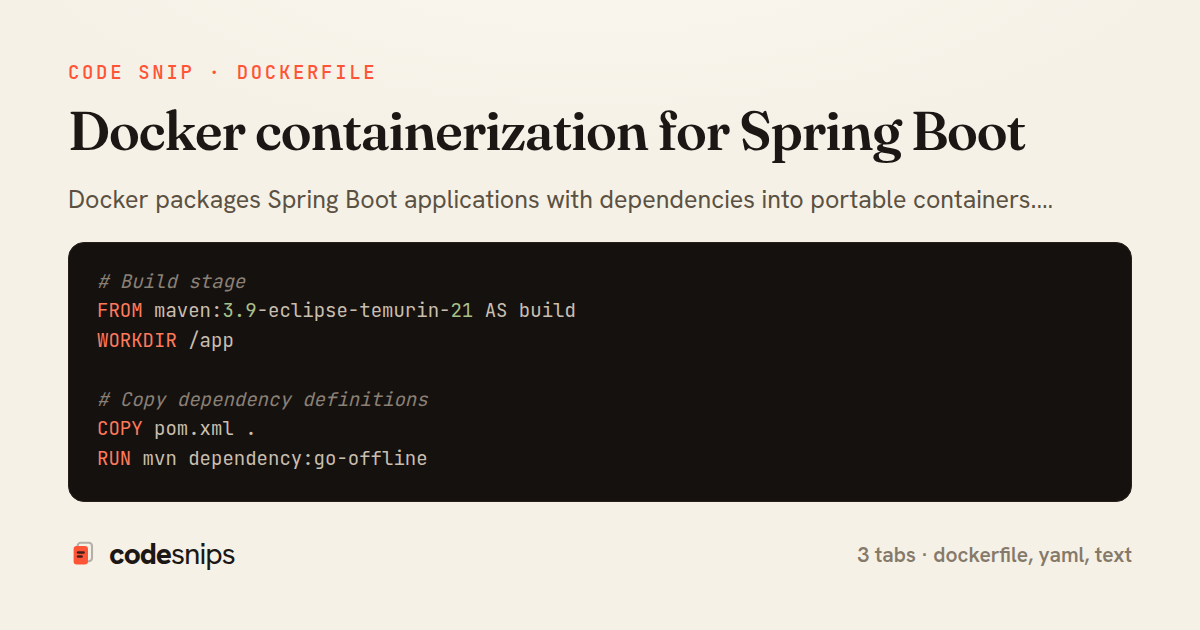
# Build stage
FROM maven:3.9-eclipse-temurin-21 AS build
WORKDIR /app

# Copy dependency definitions
COPY pom.xml .
RUN mvn dependency:go-offline

# Copy source and build
COPY src ./src
RUN mvn clean package -DskipTests

# Runtime stage
FROM eclipse-temurin:21-jre-alpine

# Create non-root user
RUN addgroup -S spring && adduser -S spring -G spring
USER spring:spring

WORKDIR /app

# Copy built artifact from build stage
COPY --from=build /app/target/*.jar app.jar

# Expose port
EXPOSE 8080

# Health check
HEALTHCHECK --interval=30s --timeout=3s --start-period=40s --retries=3 \
  CMD wget --no-verbose --tries=1 --spider http://localhost:8080/actuator/health || exit 1

# Run application
ENTRYPOINT ["java", "-jar", "/app/app.jar"]
version: '3.8'

services:
  app:
    build:
      context: .
      dockerfile: Dockerfile
    ports:
      - "8080:8080"
    environment:
      - SPRING_PROFILES_ACTIVE=prod
      - SPRING_DATASOURCE_URL=jdbc:postgresql://postgres:5432/myapp
      - SPRING_DATASOURCE_USERNAME=myuser
      - SPRING_DATASOURCE_PASSWORD=mypass
      - SPRING_REDIS_HOST=redis
      - SPRING_REDIS_PORT=6379
    depends_on:
      postgres:
        condition: service_healthy
      redis:
        condition: service_started
    networks:
      - app-network
    restart: unless-stopped

  postgres:
    image: postgres:16-alpine
    environment:
      - POSTGRES_DB=myapp
      - POSTGRES_USER=myuser
      - POSTGRES_PASSWORD=mypass
    ports:
      - "5432:5432"
    volumes:
      - postgres-data:/var/lib/postgresql/data
    healthcheck:
      test: ["CMD-SHELL", "pg_isready -U myuser"]
      interval: 10s
      timeout: 5s
      retries: 5
    networks:
      - app-network

  redis:
    image: redis:7-alpine
    ports:
      - "6379:6379"
    volumes:
      - redis-data:/data
    networks:
      - app-network

volumes:
  postgres-data:
  redis-data:

networks:
  app-network:
    driver: bridge
target/
.git/
.gitignore
.mvn/
mvnw
mvnw.cmd
*.md
.env
.DS_Store
logs/
Docker packages Spring Boot applications with dependencies into portable containers. Multi-stage builds optimize image size—build stage compiles code, runtime stage contains only necessities. I use official OpenJDK base images. Layered JARs improve caching—dependencies change less frequently than application code. Non-root users enhance security. Health checks monitor container status. Environment variables configure per-environment settings. Docker Compose orchestrates multi-container applications—app, database, Redis. Volume mounts persist data. Networks isolate services. Docker enables consistent environments across development, testing, and production. Container orchestrators like Kubernetes manage production deployments. Proper Dockerfile design minimizes image size and build time while maintaining security and functionality.
Related snips
type User {
    id: ID!
    name: String!
    email: String!
    posts: [Post!]!
    createdAt: String!
GraphQL API with Spring Boot
package com.example.starter.config;

import com.example.starter.properties.CustomProperties;
import com.example.starter.service.CustomService;
import org.springframework.boot.autoconfigure.AutoConfiguration;
import org.springframework.boot.autoconfigure.condition.ConditionalOnClass;
Custom Spring Boot starters
package com.example.demo.config;

import org.apache.kafka.clients.consumer.ConsumerConfig;
import org.apache.kafka.clients.producer.ProducerConfig;
import org.apache.kafka.common.serialization.StringDeserializer;
import org.apache.kafka.common.serialization.StringSerializer;
Messaging with Apache Kafka
package com.example.demo.controller;

import com.example.demo.dto.FileMetadata;
import com.example.demo.service.FileStorageService;
import org.springframework.core.io.Resource;
import org.springframework.http.HttpHeaders;
File upload and download handling
// Express app with health checks and graceful shutdown
const express = require('express');
const { createServer } = require('http');

const app = express();
const server = createServer(app);
Container health checks and graceful shutdown patterns
CREATE TABLE users (
    id BIGSERIAL PRIMARY KEY,
    username VARCHAR(100) NOT NULL UNIQUE,
    email VARCHAR(255) NOT NULL UNIQUE,
    password VARCHAR(255) NOT NULL,
    created_at TIMESTAMP NOT NULL DEFAULT CURRENT_TIMESTAMP,
Database migration with Flyway
Share this code
Here's the card — post it anywhere.