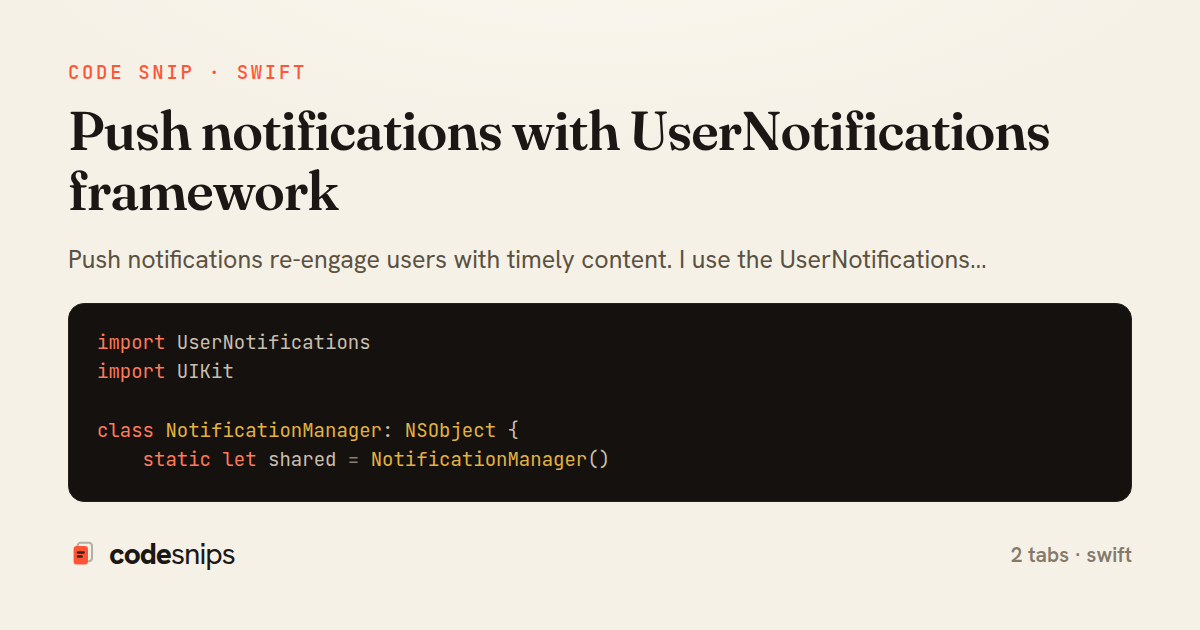
import UserNotifications
import UIKit

class NotificationManager: NSObject {
    static let shared = NotificationManager()

    private override init() {
        super.init()
    }

    func requestAuthorization() {
        UNUserNotificationCenter.current().requestAuthorization(
            options: [.alert, .badge, .sound]
        ) { granted, error in
            if granted {
                print("Notification permission granted")
                self.registerForRemoteNotifications()
            } else if let error = error {
                print("Error requesting notification permission: \(error)")
            }
        }
    }

    private func registerForRemoteNotifications() {
        DispatchQueue.main.async {
            UIApplication.shared.registerForRemoteNotifications()
        }
    }

    func handleDeviceToken(_ deviceToken: Data) {
        let token = deviceToken.map { String(format: "%02.2hhx", $0) }.joined()
        print("Device token: \(token)")

        // Send to backend
        Task {
            await APIService.shared.registerDeviceToken(token)
        }
    }

    func scheduleLocalNotification(
        title: String,
        body: String,
        timeInterval: TimeInterval,
        identifier: String
    ) {
        let content = UNMutableNotificationContent()
        content.title = title
        content.body = body
        content.sound = .default
        content.badge = 1

        let trigger = UNTimeIntervalNotificationTrigger(
            timeInterval: timeInterval,
            repeats: false
        )

        let request = UNNotificationRequest(
            identifier: identifier,
            content: content,
            trigger: trigger
        )

        UNUserNotificationCenter.current().add(request) { error in
            if let error = error {
                print("Error scheduling notification: \(error)")
            }
        }
    }

    func cancelNotification(identifier: String) {
        UNUserNotificationCenter.current()
            .removePendingNotificationRequests(withIdentifiers: [identifier])
    }

    func cancelAllNotifications() {
        UNUserNotificationCenter.current().removeAllPendingNotificationRequests()
    }

    func getBadgeCount() -> Int {
        return UIApplication.shared.applicationIconBadgeNumber
    }

    func setBadgeCount(_ count: Int) {
        DispatchQueue.main.async {
            UIApplication.shared.applicationIconBadgeNumber = count
        }
    }
}

extension NotificationManager: UNUserNotificationCenterDelegate {
    // Called when notification arrives while app is in foreground
    func userNotificationCenter(
        _ center: UNUserNotificationCenter,
        willPresent notification: UNNotification,
        withCompletionHandler completionHandler: @escaping (UNNotificationPresentationOptions) -> Void
    ) {
        // Show notification even in foreground
        completionHandler([.banner, .sound, .badge])
    }

    // Called when user taps notification
    func userNotificationCenter(
        _ center: UNUserNotificationCenter,
        didReceive response: UNNotificationResponse,
        withCompletionHandler completionHandler: @escaping () -> Void
    ) {
        let userInfo = response.notification.request.content.userInfo

        // Handle notification tap
        if let postId = userInfo["post_id"] as? Int {
            // Navigate to post detail
            NotificationCenter.default.post(
                name: .navigateToPost,
                object: nil,
                userInfo: ["postId": postId]
            )
        }

        completionHandler()
    }
}

extension Notification.Name {
    static let navigateToPost = Notification.Name("navigateToPost")
}
import UIKit
import UserNotifications

@main
class AppDelegate: UIResponder, UIApplicationDelegate {
    func application(
        _ application: UIApplication,
        didFinishLaunchingWithOptions launchOptions: [UIApplication.LaunchOptionsKey: Any]?
    ) -> Bool {
        // Set notification delegate
        UNUserNotificationCenter.current().delegate = NotificationManager.shared

        return true
    }

    func application(
        _ application: UIApplication,
        didRegisterForRemoteNotificationsWithDeviceToken deviceToken: Data
    ) {
        NotificationManager.shared.handleDeviceToken(deviceToken)
    }

    func application(
        _ application: UIApplication,
        didFailToRegisterForRemoteNotificationsWithError error: Error
    ) {
        print("Failed to register for remote notifications: \(error)")
    }

    func application(
        _ application: UIApplication,
        didReceiveRemoteNotification userInfo: [AnyHashable: Any],
        fetchCompletionHandler completionHandler: @escaping (UIBackgroundFetchResult) -> Void
    ) {
        // Handle silent push notification
        print("Received remote notification: \(userInfo)")
        completionHandler(.newData)
    }
}
Push notifications re-engage users with timely content. I use the UserNotifications framework to request authorization and handle notification delivery. The app must register for remote notifications and send the device token to the backend. When notifications arrive, the UNUserNotificationCenterDelegate handles presentation while app is foreground or user interaction. For rich notifications, I attach images or custom UI with notification service extensions. Local notifications schedule alerts without a server. Notification categories enable action buttons. Privacy requires explicit permission—I request at appropriate moments with clear value propositions. Silent notifications wake the app for background updates.
Related snips
import Combine
import Foundation

class SearchViewModel: ObservableObject {
    @Published var searchQuery = ""
    @Published var results: [SearchResult] = []
Combine operators for data transformation
import SwiftUI

struct ContentView: View {
    @State private var username = ""
    @State private var isLoggedIn = false
    @StateObject private var viewModel = LoginViewModel()
SwiftUI declarative UI with state management
import SwiftUI

struct CardModifier: ViewModifier {
    var backgroundColor: Color = .white
    var cornerRadius: CGFloat = 12
    var shadowRadius: CGFloat = 5
Custom SwiftUI view modifiers for reusability
import Foundation
import UIKit

class ImageProcessor {
    // Background processing with main thread updates
    func processImage(_ image: UIImage, completion: @escaping (UIImage?) -> Void) {
Grand Central Dispatch for concurrency
package com.example.myapp.utils

import android.app.NotificationChannel
import android.app.NotificationChannelGroup
import android.app.NotificationManager
import android.app.PendingIntent
Notification channels and categories
import SwiftUI

enum Route: Hashable {
    case postDetail(id: Int)
    case userProfile(id: Int)
    case settings
Navigation patterns with NavigationStack
Share this code
Here's the card — post it anywhere.